Plant an App’s deck is a masterclass in psychological positioning. While most low-code platforms court non-technical business users, Plant an App identifies a specific friction point: professional developers view low-code as a 'toy.' By framing their solution as 'Low-Code for Software Engineers,' they address the bottleneck of deployment speed without sacrificing technical depth. The deck relies heavily on visual metaphors—like a pigeon with a jetpack—to communicate a 20x increase in delivery speed. Despite missing critical financial data, unit economics, and a specific 'Ask' slide, the deck…
Key takeaways
- The deck positions the product specifically for 'Software Engineers' rather than business users on Slide 1.
- It uses a visual narrative to contrast a 2nd-week deployment cycle with a 2-minute target on Slides 3 and 4.
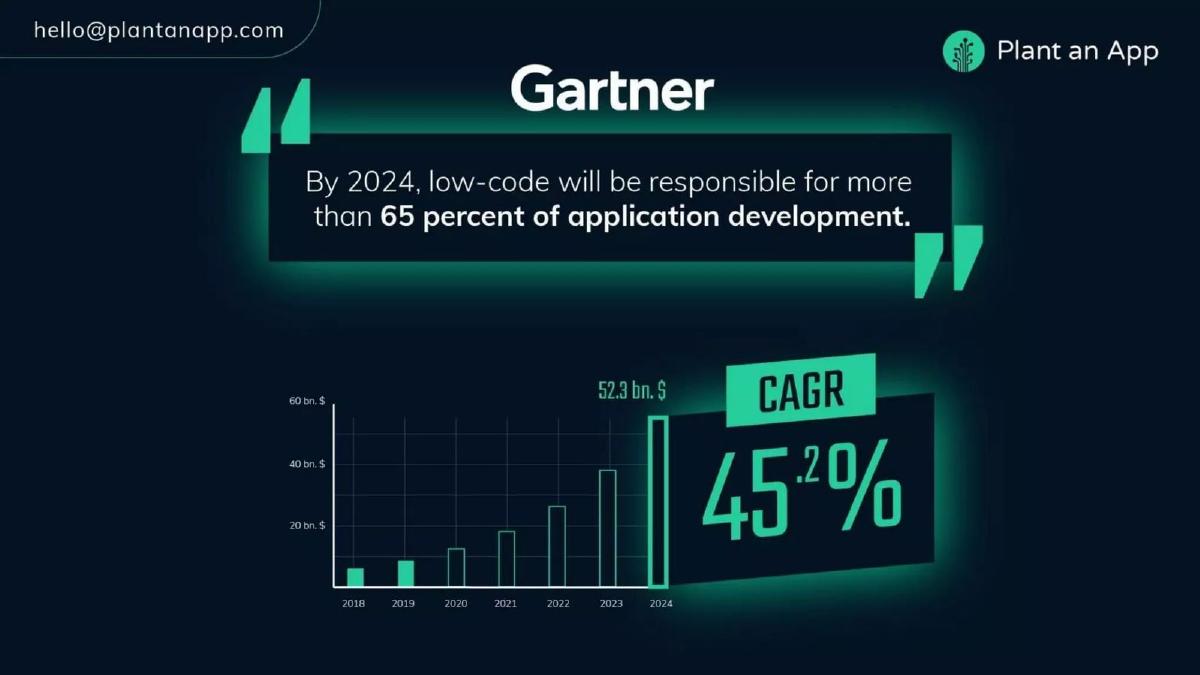
- Market validation is anchored by a Gartner quote predicting low-code will handle 65% of development by 2024 on Slide 6.
- The competitive landscape on Slide 7 places the company in a unique quadrant for 'Entire Dev Teams' and high flexibility.
- The core problem identified on Slide 8 is the developer perception that 'low-code is a toy.'
- The value proposition claims the ability to deliver complex apps 20x faster on Slide 11.
- The team slide highlights a CEO with 14 years of experience in developer tools on Slide 12.
- Traction is demonstrated by 20 customers acquired since November 2019, including Equifax and Omnicell, as seen on Slide 13.
The Developer-First Low-Code Narrative
Plant an App entered the market during a surge of interest in low-code and no-code tools. However, while competitors like Bubble or AppSheet focused on empowering non-technical founders, Plant an App took the opposite route. This 13-slide deck, used for their 2019 funding round, focuses entirely on the professional developer's workflow. By acknowledging that engineers often hate low-code, they create a 'blue ocean' within a crowded category.
Slides 1-5: The Hook and the Metaphor
Slide 1 sets the tone immediately. The tagline 'Low-Code for Software Engineers' is a deliberate contradiction designed to pique interest. It signals that this isn't a tool for building simple landing pages, but a platform for technical professionals.
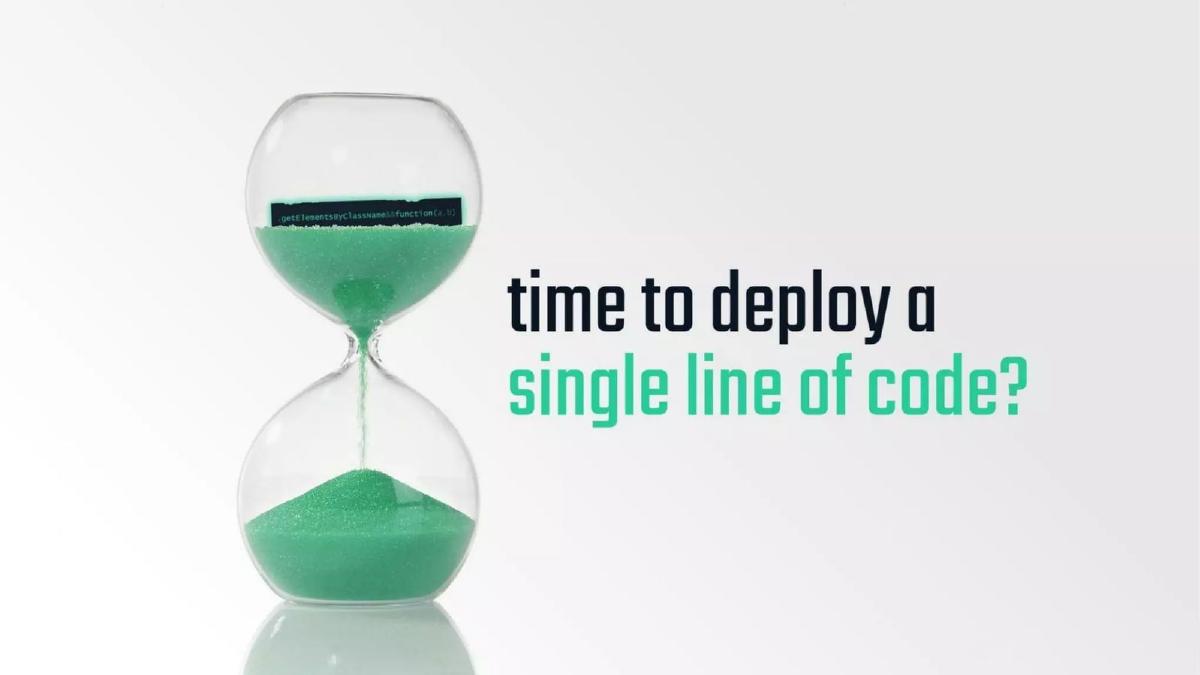
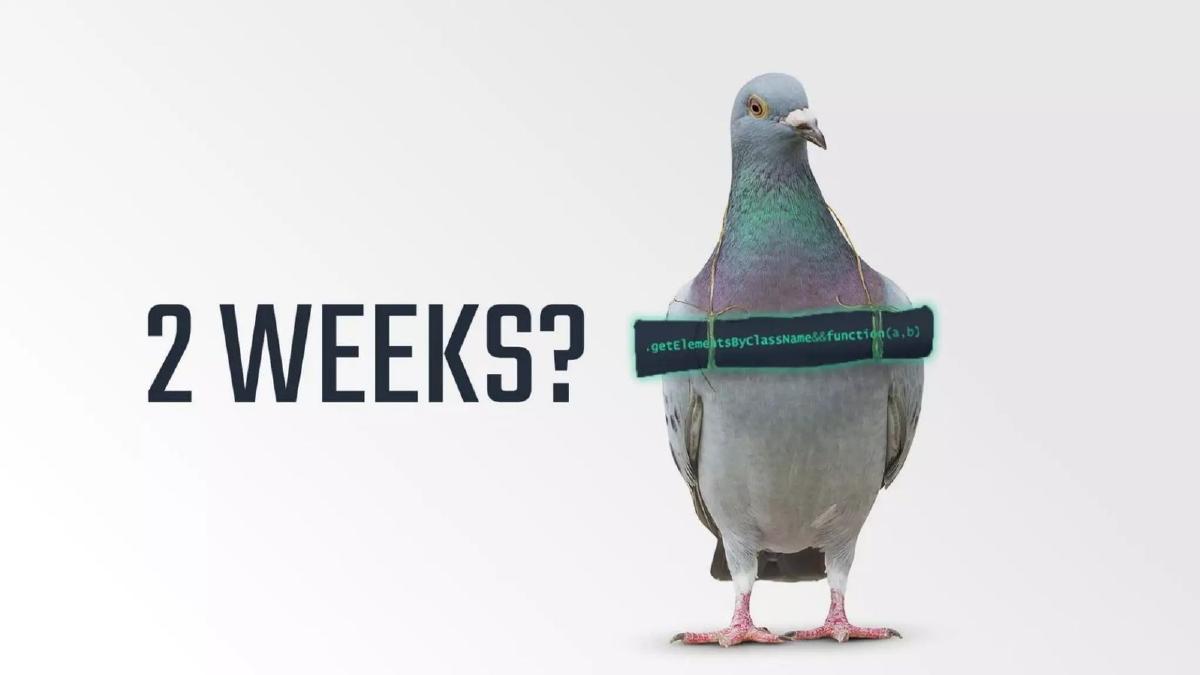
Slides 2, 3, and 4 function as a single narrative unit. Slide 2 asks a rhetorical question about the time required to deploy a single line of code. Slide 3 uses a pigeon carrying a scroll to represent the '2 weeks' it currently takes in enterprise environments. Slide 4 provides the 'aha' moment: a pigeon with a jetpack and a space helmet, representing a '2 minute' deployment. This visual storytelling is effective because it focuses on a specific pain point—deployment latency—rather than a generic 'build faster' claim.
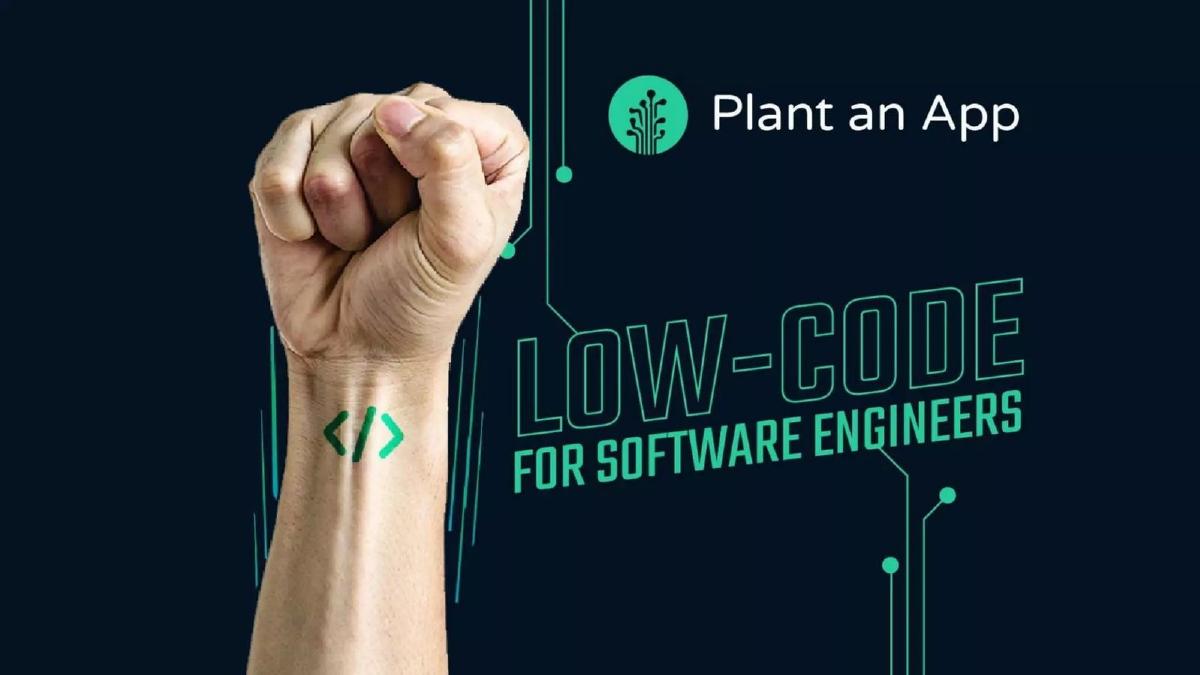
Slide 5 reinforces the branding with a fist featuring a code symbol tattoo. It is a high-energy, aggressive stance that aligns with the 'developer empowerment' theme.
Slides 6-7: Market Validation and Positioning
Slide 6 shifts from metaphor to hard data. By citing Gartner's prediction that low-code will be responsible for 'more than 65 percent of application development' by 2024, the company hitches its wagon to an inevitable industry shift. The slide also includes a bar chart showing the market growing to $52.3 billion with a 45.2% CAGR. This provides the 'Why Now?' justification for investors.
Slide 7 is a standard 2x2 competitive matrix, but the axes are carefully chosen. The Y-axis measures 'Flexibility' (from Single Purpose to Build Anything), and the X-axis measures 'Target Users' (from Business People to Entire Dev Teams). By placing themselves in the top-right corner, they distance themselves from 'simple' tools like Bubble and Zoho, and even 'enterprise' tools like Mendix or OutSystems, which they position as less flexible or less dev-focused.
Slides 8-11: The Problem and the Solution
Slide 8 identifies the psychological barrier: 'Developers believe low-code is a toy.' This is a sophisticated move. Instead of ignoring the skepticism of their target user, they make it the central problem they are solving. The slide features a developer looking frustrated, with a thought bubble containing competitor logos and children's toys.
Slides 9 and 10 contrast the 'Business User' output with the 'Developer' output. Slide 9 shows a simple 'My First Form,' while Slide 10 shows a complex, data-heavy dashboard. The message is clear: Plant an App allows developers to build the complex stuff with the speed of a simple form builder.
Slide 11 delivers the final value proposition: 'Deliver complex apps 20x faster.' The background shows a collage of technical workflows, including BPMN diagrams and data tables, reinforcing that the platform handles sophisticated logic.
Slides 12-13: Team and Traction
Slide 12 introduces the team. CEO Bogdan Litescu is highlighted for having 14 years as an entrepreneur in developer tools, noting his 'last business was a Market Leader.' This builds founder-market fit. The slide also lists a COO, CTO, CMO, and a Product Management lead from Equifax, suggesting a balanced leadership team with enterprise experience.
Slide 13 concludes the deck with traction. They claim '20 customers since Nov 2019.' The inclusion of Equifax, Omnicell, and Vail Health is significant, as these are large, regulated enterprises that wouldn't typically use a 'toy' to build applications. They also mention a timely partnership related to the 'Coronavirus crisis,' which, given the 2019/2020 timing, showed the platform's ability to respond to urgent, real-world needs.
What Works in the Plant an App Deck
Specific Positioning: The deck doesn't try to be everything to everyone. By explicitly stating they are for 'Software Engineers,' they filter for a specific type of investor and customer. This clarity is rare in the low-code space.
Visual Metaphor: The jetpack pigeon is memorable. In a sea of SaaS decks filled with screenshots of dashboards, a strong visual metaphor helps the core value proposition (speed) stick in the investor's mind.
Addressing Objections: Most founders try to hide the flaws of their industry. Plant an App puts the biggest criticism of low-code (that it is a 'toy') front and center, then explains why they are different.
What is Missing from the Plant an App Deck
The Financial Ask: The most glaring omission is the lack of a 'Fundraising' slide. There is no mention of how much they are raising, the valuation, or the specific milestones they intend to reach with the capital. While the catalogue facts state they raised $1.2 million, that information is not present in the slides.
Business Model: There is no explanation of how the company makes money. Is it per-user, per-app, or usage-based? Without a pricing or business model slide, investors cannot evaluate the scalability of the revenue.
Unit Economics: There is no mention of Customer Acquisition Cost (CAC), Lifetime Value (LTV), or churn rates. For a platform that had already secured 20 enterprise customers, some preliminary data on sales cycles would have been highly valuable.
Roadmap: The deck shows what the product does now, but it doesn't show where it is going. A roadmap slide would help investors understand the long-term vision beyond just 'faster deployment.'
What a Founder Should Copy
The 'Imagine' Slide: Slide 10 is a great example of showing, not just telling. By showing a complex dashboard and asking the viewer to 'Imagine what developers could accomplish,' they invite the investor to participate in the vision.
Logo Credibility: If you have enterprise customers, feature them prominently. Slide 13 does this well by placing recognizable logos like Equifax next to their traction numbers. This immediately de-risks the 'toy' perception they identified earlier.
Market Tailwinds: Using a reputable source like Gartner to validate your market size is a standard but effective tactic. It moves the conversation from 'Is this a big market?' to 'How much of this big market can you capture?'
Final Analysis
The Plant an App deck is a strong 'Vision and Product' deck but a weak 'Investment' deck. It does an excellent job of establishing a unique brand identity and proving that the product works for serious enterprise use cases. However, the total absence of financial mechanics and a clear 'Ask' suggests this deck might have been used as a teaser or a supporting document rather than a standalone pitch for a lead investor. For founders, the takeaway is to be bold with your positioning—don't be afraid to alienate the 'wrong' customers to win the 'right' ones.
Frequently asked questions
- Who is the target audience for Plant an App?
- Unlike traditional low-code platforms that target 'citizen developers' or business users, Plant an App explicitly targets professional software engineers and entire development teams. Slide 7 of the deck positions them in the far-right quadrant of their competitive matrix, emphasizing flexibility for technical users rather than simplicity for non-technical ones.
- What is the primary problem the deck seeks to solve?
- The deck identifies a cultural and technical barrier: developers often dismiss low-code platforms as 'toys' that lack the power for complex builds. Slide 8 addresses this head-on, while Slides 2 through 4 highlight the inefficiency of current deployment cycles, suggesting that '2 weeks' for a single line of code is the industry standard they intend to disrupt.
- How does the company demonstrate market potential?
- Plant an App uses third-party authority to validate the sector. Slide 6 cites Gartner, stating that by 2024, low-code will account for over 65% of application development. The slide also projects a market size of $52.3 billion by 2024 with a Compound Annual Growth Rate (CAGR) of 45.2%.
- What traction had the company achieved at the time of this deck?
- According to Slide 13, the company had secured 20 customers between November 2019 and the time the deck was finalized. Notable enterprise logos listed include Equifax, Omnicell, and Vail Health. They also mention a specific partnership with AlertsMadeEasy.com to assist HR during the Coronavirus crisis.
- What critical information is missing from the Plant an App deck?
- The deck is notably light on business mechanics. There is no slide detailing the subscription or licensing model, no mention of current Revenue/ARR, and no 'Ask' slide specifying how much capital they are raising or how it will be spent. It functions more as a vision and product-market fit deck than a comprehensive financial investment memorandum.