Pitch raised $85M in a 2021 Series B round led by Lakestar and Tiger Global (though lead investors are not named on the slides) using an 18-slide deck that prioritizes product experience over raw financial metrics. The deck frames the 'knowledge worker stack' as a completed puzzle where only presentations remain outdated. It leans heavily on high-fidelity product screenshots to demonstrate real-time collaboration, integrated analytics, and automated design workflows. While the deck lacks a traditional 'Ask' slide or detailed unit economics, it compensates with an impressive roster of individu…
Key takeaways
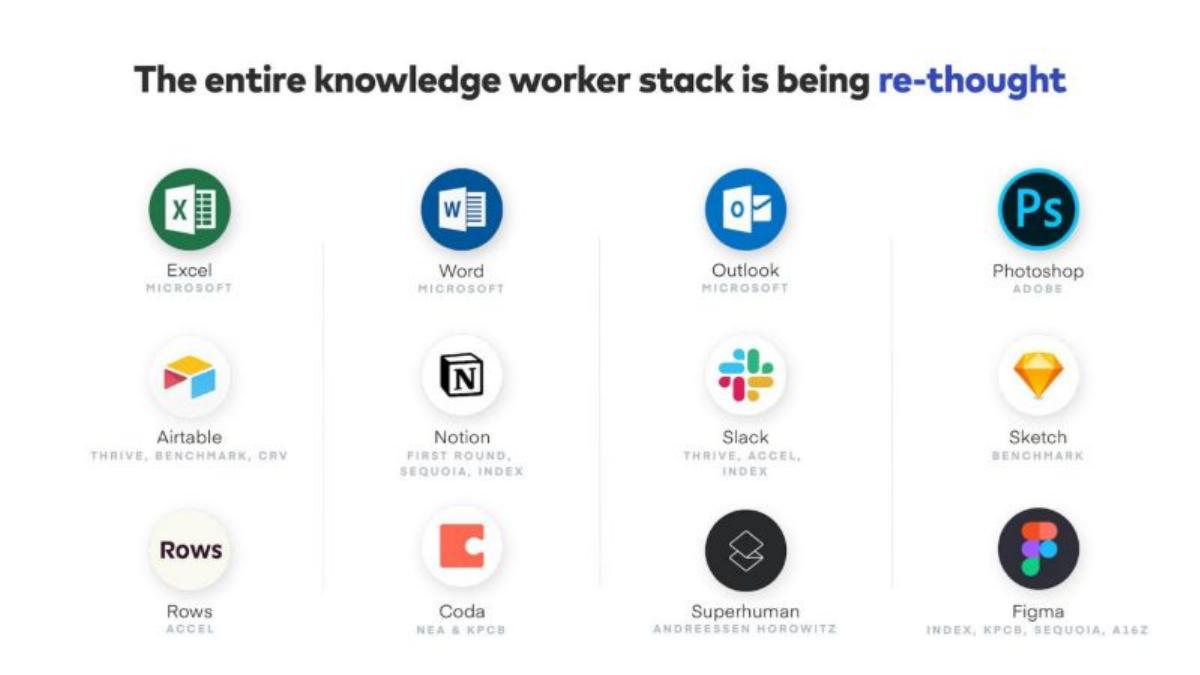
- The deck positions Pitch as the missing link in a modernized software stack alongside Figma, Notion, and Slack on slide 2.
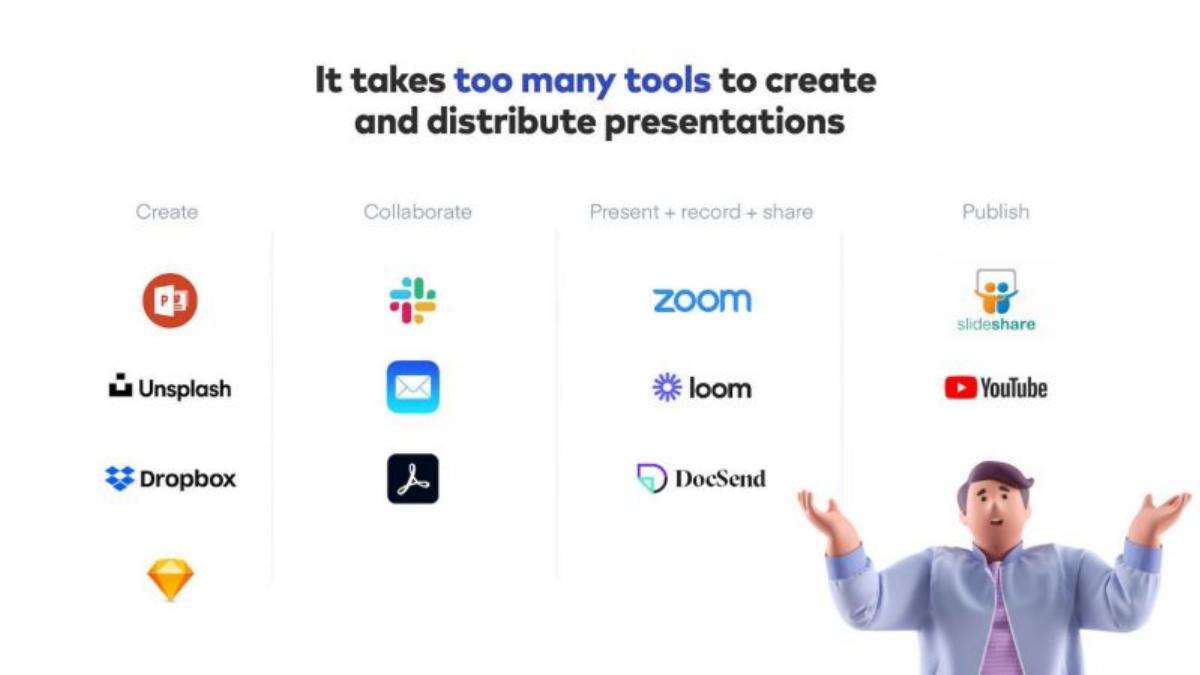
- Slide 4 identifies a fragmented workflow, showing that users currently juggle 11 different tools to create and distribute presentations.
- Product features are categorized into four pillars: collaboration, speed, narrative, and insights, spanning slides 7 through 13.
- Slide 13 highlights built-in analytics as a replacement for DocSend, offering insights into viewer completion rates and time spent.
- The team slide (16) reveals a heavily engineering-weighted organization with 54 engineers compared to 5 operations and sales staff.
- Slide 17 showcases an extensive list of angel investors including the founders of Instagram, Zoom, Segment, and Framer.
- The deck omits specific revenue figures, growth percentages, and a formal funding request slide.
- Slide 15 lists high-profile early adopters including Intercom, Loom, and Grammarly to establish market credibility.
The Narrative: Completing the Modern Stack
Pitch’s Series B deck is a study in aesthetic consistency and strategic positioning. The company isn't just selling a presentation tool; it is selling the final piece of the modern workplace puzzle. By the time this deck was circulated in 2021, the 'unbundling of Microsoft Office' was a well-understood venture thesis. Pitch leans into this immediately, framing the market not as a competitive landscape, but as a transition that is already inevitable.
Slides 1-3: The Macro Thesis
Slide 1 is a minimalist title slide featuring the Pitch logo surrounded by 3D assets that represent the product’s UI elements. It sets a high bar for design, which is critical for a company whose value proposition is 'stunning' design.
Slide 2 is the 'Market Context' slide. It lists the 'entire knowledge worker stack' being re-thought. It pairs legacy tools with their modern disruptors: Excel with Airtable/Rows, Word with Notion/Coda, Outlook with Slack/Superhuman, and Photoshop with Sketch/Figma. This slide is brilliant because it borrows credibility from multi-billion dollar successes to justify Pitch’s existence.
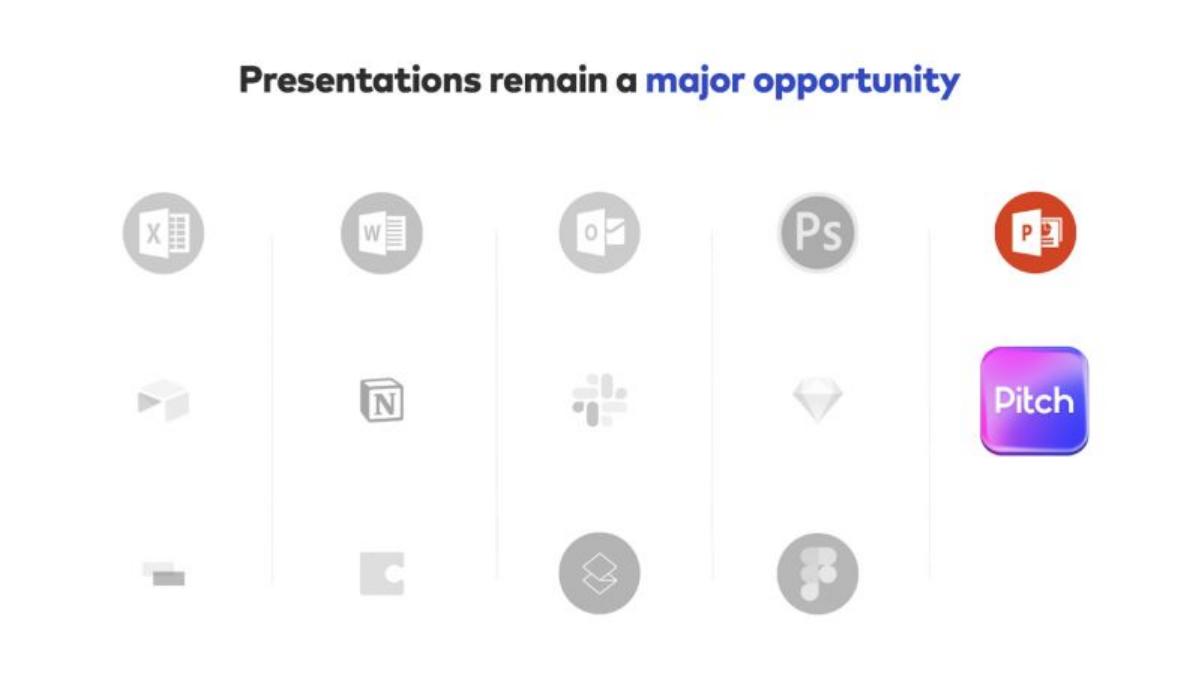
Slide 3 narrows the focus. It greys out the rest of the stack and highlights the gap: PowerPoint is the only legacy giant without a dominant modern challenger. Pitch places its logo directly beneath the PowerPoint icon, signaling its intent to be the new standard.
Slides 4-5: The Problem and Solution
Slide 4 defines the friction. It states, 'It takes too many tools to create and distribute presentations.' It visually maps out 11 different logos (including Dropbox, Unsplash, and Loom) that a user might touch during a single deck's lifecycle. This creates a 'death by a thousand cuts' argument for consolidation.
Slide 5 introduces the 'first complete presentation platform.' The sub-text emphasizes that it is 'purpose-built for teams,' a direct jab at legacy software that was originally designed for individual desktop use.
Slides 6-10: Product Depth and Workflow
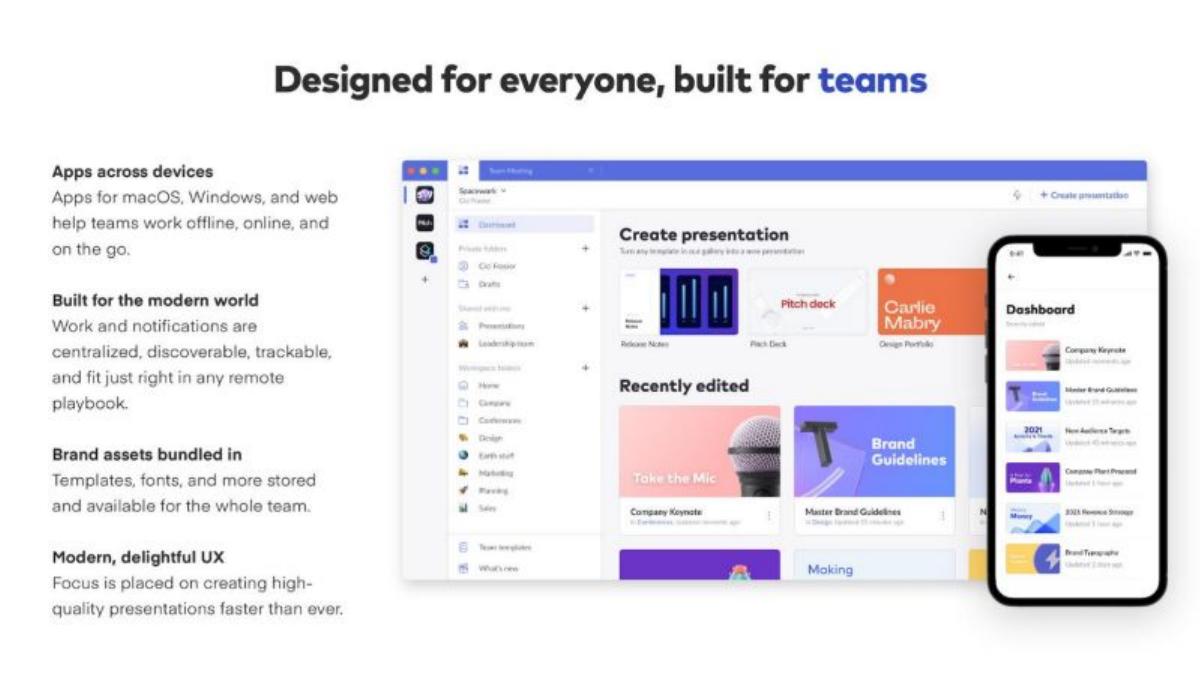
Slide 6 focuses on accessibility, noting apps for macOS, Windows, and web. It highlights that brand assets are 'bundled in,' ensuring the whole team stays on-brand without searching for files.
Slide 7 tackles collaboration. It mentions 'Sync over live video' and 'Slide assignments,' features that move presentations from static documents to active project management spaces. The inclusion of 'Intelligent notifications' suggests a workflow that lives where the user lives (email, mobile, desktop).
Slide 8 focuses on speed. It claims Pitch can 'automagically generate a company’s first custom style' and offers professional templates to save hours of design work. This addresses the 'blank canvas' anxiety that plagues most users.
Slide 9 is for the power users. It highlights 'Edit slides like a pro' with features like keyboard commands, automatic text wrapping, and a 'Smart tidying' tool that aligns blocks without pixel-by-pixel adjustments.
Slide 10 introduces 'Time travel.' This is a granular version history that tracks changes at the element level. For large teams, this 'Total accountability' is a significant enterprise feature that prevents the loss of work and clarifies who made specific edits.
Slides 11-13: Distribution and Data
Slide 11 moves beyond creation into storytelling. It advocates for sharing links instead of screen shares, which avoids 'low-res screen shares' and 'clunky conference tools.' It also mentions 'Collaborative remote control,' allowing teams to pass the mic seamlessly during a presentation.
Slide 12 discusses audience growth. It references SlideShare’s reach of '>100M monthly visitors' to suggest that Pitch can be a discovery platform for ideas, not just a private utility. It envisions 'public pages' where creators can build an identity.
Slide 13 is a major value add: 'built-in analytics.' By showing who is watching and what they care about (completion rates, time spent), Pitch positions itself as a replacement for DocSend. This slide features a UI mockup showing 'Board update 2021 Metrics' with 142 views and a 63% completion rate.
Slides 14-18: Social Proof and The Team
Slide 14 reiterates the 'Made for everyone, built for teams' mantra, serving as a transition to the company's traction.
Slide 15 displays the 'Customers'—a logo wall including Frontify, Dribbble, Descript, Intercom, and Grammarly. These are all 'design-forward' tech companies, which validates that the product meets the standards of the industry's most discerning users.
Slide 16 breaks down the team. The most striking data point here is the headcount distribution: 54 in Engineering, 16 in Design, and 10 in Product. With 80% of the staff in product-related roles and only 5 in 'Operations & Sales,' it is clear that Pitch is betting on a product-led growth (PLG) model rather than a traditional enterprise sales motion.
Slide 17 lists the investors. The roster is a 'who's who' of the 2021 tech boom, featuring the founders of Zoom, Instagram, Segment, and Superhuman. This level of angel participation often signals to VCs that the 'smart money' is already in, creating a fear-of-missing-out (FOMO) effect.
Slide 18 is a promotional slide for the source of the deck and does not contain company information.
What Works in the Pitch Deck
Visual Storytelling: The deck is built in Pitch, and it shows. The use of high-quality 3D assets and clean UI mockups proves the product's value proposition before a single word is read. · The 'Missing Piece' Logic: By mapping out the modern stack in Slide 2, Pitch makes their success feel like a mathematical certainty. If every other part of the Office suite has been disrupted, why wouldn't presentations be next? · Consolidation Argument: Slide 4's map of the 11 tools needed to make a deck is a powerful 'pain point' visual. It transforms Pitch from a 'nice-to-have' design tool into a 'must-have' efficiency platform. · Technical Credibility: The team slide (16) showing 54 engineers for a presentation tool suggests a level of technical depth (real-time syncing, granular versioning) that is difficult for incumbents to replicate.
What is Missing from the Pitch Deck
Revenue and Growth Metrics: There are no mentions of ARR (Annual Recurring Revenue), MRR (Monthly Recurring Revenue), or user growth percentages. While common in early-stage decks, a Series B usually requires more financial transparency. · The Ask: The deck does not state how much money is being raised or the valuation being sought. This suggests the deck was used as a teaser or a conversation starter rather than a final 'closing' document. · Unit Economics: There is no information on Customer Acquisition Cost (CAC) or Lifetime Value (LTV). For a PLG company, these metrics are vital to prove the model can scale profitably. · Competitor Analysis: While it mentions PowerPoint, it ignores other modern competitors like Canva or Beautiful.ai, which were already significant players in 2021.
Founder Takeaways: What to Copy
Use Your Own Product: If you are building a tool that produces an output (a deck, a website, a report), your pitch must be the best possible example of that output. · Borrow Authority: If you are in a crowded space, show a 'Stack' slide. Position yourself next to companies the investors already love (like Figma or Notion). · Highlight 'Angel' Validation: If you have notable founders as investors, give them their own slide. A logo from the founder of Zoom carries more weight in a communication tool pitch than a generic VC logo. · Focus on Workflow, Not Just Features: Pitch doesn't just say 'we have templates.' They say 'we replace 11 tools.' Sell the time saved, not just the buttons clicked.
Frequently asked questions
- What is the primary problem Pitch aims to solve?
- According to slide 4, the primary problem is that it takes 'too many tools' to create and distribute presentations. The deck illustrates a fragmented ecosystem where users must jump between Unsplash for images, Slack for collaboration, Zoom for presenting, and DocSend for tracking. Pitch aims to consolidate these functions into a single platform.
- How does Pitch differentiate itself from PowerPoint?
- Pitch differentiates itself by being 'purpose-built for teams' (slide 5). Key features highlighted include real-time collaboration (slide 7), automated design tidying (slide 9), granular version history for every block (slide 10), and built-in audience analytics (slide 13) which legacy tools typically lack.
- What does the team structure look like at the time of this raise?
- Slide 16 shows a team of 100 people, with a massive emphasis on technical talent. There are 54 employees in engineering, 16 in design, and 10 in product. In contrast, the 'Operations & Sales' department consists of only 5 people, suggesting a product-led growth strategy rather than a sales-heavy enterprise approach.
- Who are the notable investors in Pitch?
- Slide 17 lists a 'who's who' of tech founders and VCs. Notable individual investors include Eric Yuan (Zoom), Kevin Systrom & Mike Krieger (Instagram), Rahul Vohra (Superhuman), and Scott Belsky (Adobe). Institutional logos include Index Ventures, Thrive Capital, and Blue Yard.
- Does the deck include financial projections or an 'Ask'?
- No. The 18-slide deck is purely focused on the market opportunity, product capabilities, and team pedigree. It does not list a specific dollar amount being raised, nor does it provide a breakdown of how the funds will be used or what the projected revenue targets are for the coming years.