Pallette is an assistive technology startup targeting the 1 million quadriplegics who face significant barriers to independence and high annual care costs. Their solution centers on an intraoral device—essentially a smart retainer—that allows users to control their environment via tongue movements. The deck effectively establishes the emotional and financial stakes, citing $180,000 in annual individual costs on Slide 4. While the presentation excels at explaining the 'how' through clear diagrams of the interface between the mouth, a smartphone app, and external hardware like wheelchairs (Slid…
Key takeaways
- The company identifies a target market of 1 million quadriplegics on Slide 2.
- Individual care and equipment costs for the target demographic are cited at $180,000 per year on Slide 4.
- The product is an intraoral device that communicates wirelessly with a smartphone app to control external devices (Slide 6).
- The Pallette app interface includes controls for lights, wheelchairs, cars, games, phones, SOS, music, computers, and pets (Slide 6).
- The core value proposition focuses on making individual control 'private, discreet, and affordable' (Slide 7).
- Validation is claimed through 'Contextual Inquiry' with the quadriplegic community and interest from local hospitals for beta testing (Slide 8).
- The deck utilizes a high-contrast pink and white color scheme with minimal text to maintain focus on the problem and solution.
- There is a total absence of financial projections, team biographies, or a specific capital requirement in the provided slides.
Executive Summary: The Vision of Invisible Control
Pallette is a mission-driven startup focused on the assistive technology sector. The pitch deck, authored by Rohit Jain, centers on a hardware-software hybrid designed to restore autonomy to quadriplegic individuals. By leveraging the tongue—one of the few muscles often unaffected by spinal cord injuries—Pallette proposes an intraoral interface that replaces bulky external controllers. The deck is visually driven, using a consistent pink-and-white aesthetic to walk the viewer through a narrative of high costs, physical limitations, and a technological breakthrough that promises discretion and affordability.
Slide 1: Title and Branding
The cover slide introduces the company name, "Pallette," accompanied by the tagline "The world at the tip of your tongue." The branding uses a vibrant pink color and a logo that resembles a stylized tongue or a smiley face icon (a ":p" emoticon variant). The slide attributes the presentation to Rohit Jain. This is a standard introductory slide that clearly defines the company's focus area through its tagline, though it lacks a high-level industry categorization.
Slide 2: Market Scope
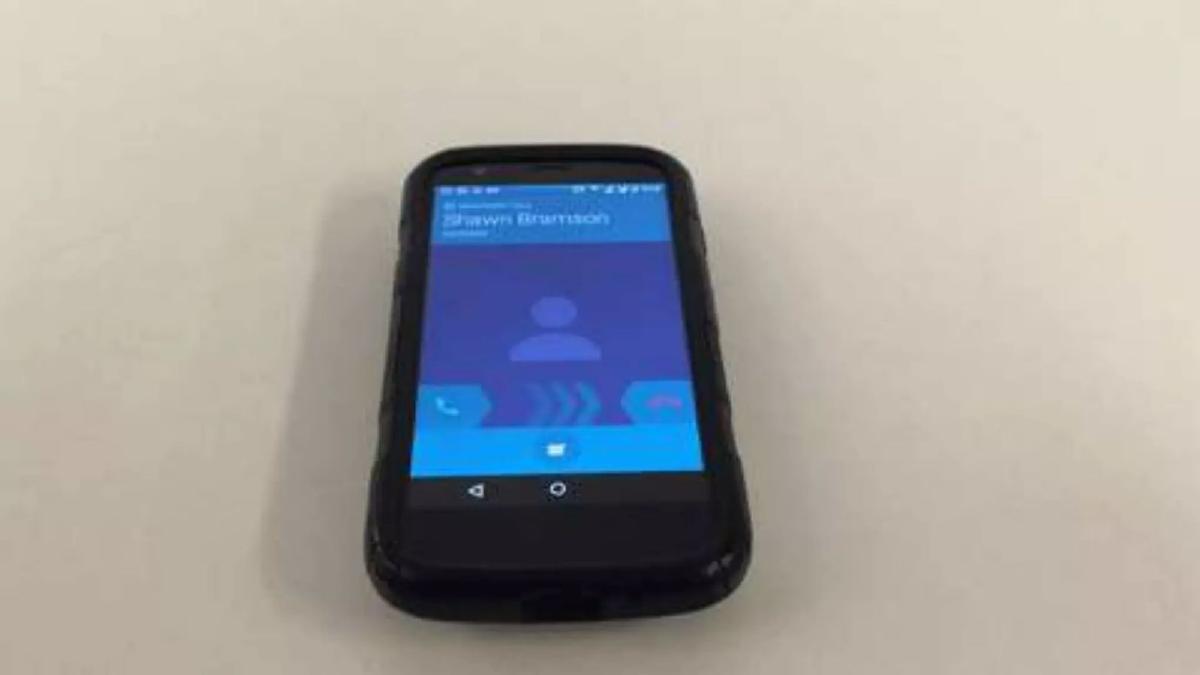
Slide 2 presents a single, stark figure: "1 Million Quadriplegics." This is placed over a blurred image of a smartphone. This slide serves as the 'Market Size' or 'Problem Scale' indicator. By focusing on a specific number of individuals, the deck establishes the human scale of the problem before diving into the financial or technical aspects. It frames the opportunity not just as a business, but as a solution for a significant, underserved population.
Slide 3: The User Persona
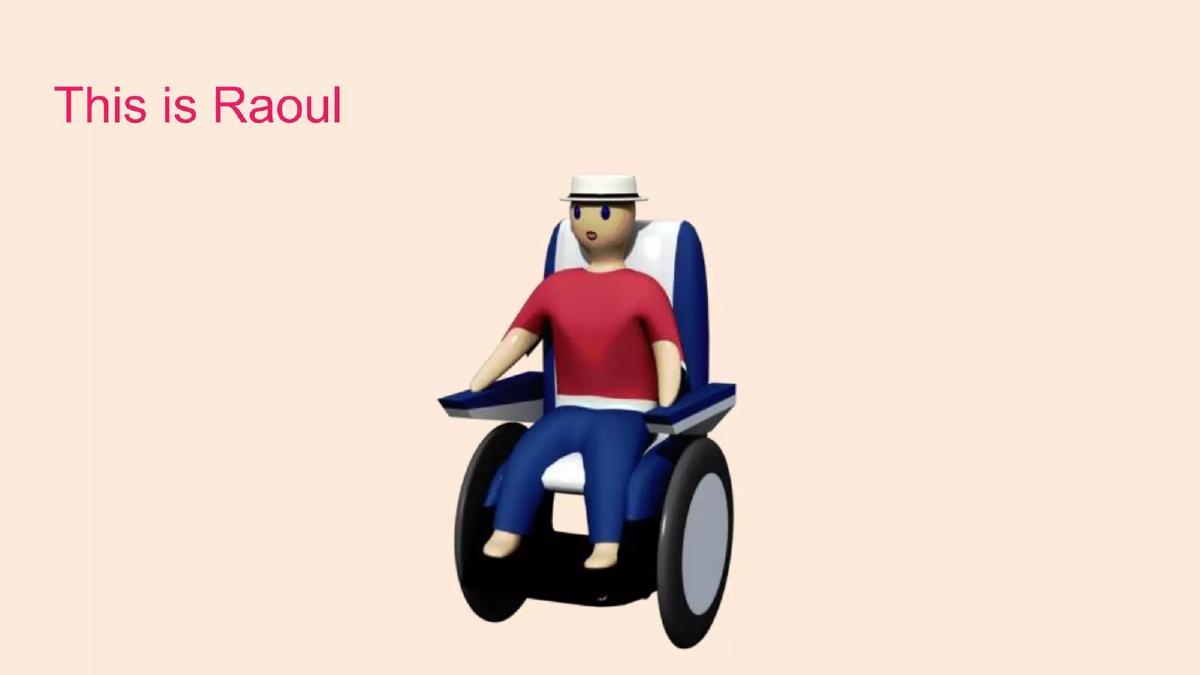
This slide uses a 3D rendered character in a wheelchair to define the user. The text states, "He's paralyzed from the neck down." A dashed red line and a yellow highlight box emphasize the area of paralysis. This visual aid is crucial for investors who may not be familiar with the specific physical limitations of the target demographic. It sets the stage for why a tongue-based interface is a logical solution: the head and mouth remain functional areas of control.
Slide 4: The Financial Burden
Slide 4 shifts from the physical to the economic, stating "Individual costs of $180,000 per year." This figure is overlaid on a collage of black-and-white photos showing individuals using various assistive technologies, many of which appear bulky, mechanical, and intrusive. This slide serves two purposes: it highlights the massive 'pain point' (high cost) and visually critiques the current state of the art as being cumbersome and overly clinical.
Slide 5: Transition to Solution
Slide 5 is a minimalist transition slide featuring a close-up of the 3D character's face. There is no text on this slide. In a live presentation, this would likely be the moment the speaker introduces the concept of the intraoral device. As a standalone slide, it creates a pause in the narrative, focusing the viewer's attention on the user's mouth, which is the primary site of the proposed technology.
Slide 6: The Product Ecosystem
This is the most technical slide in the deck. It illustrates the Pallette ecosystem. An arrow points from the user's mouth to a 3D model of an intraoral device (a retainer-like object). Wireless signal icons show this device communicating with a smartphone app. The app interface is shown with nine distinct icons: Lights, Wheelchair, Car, Games, Phone, SOS, Music, Computer, and Pets. Another signal icon shows the app communicating back to a power wheelchair. This slide effectively explains the product's utility as a central hub for environmental and digital control.
Slide 7: Value Proposition
Slide 7 distills the company's goals into four keywords: "private, discreet, and affordable." The text "We want to make individual control" is faded, while the three value drivers are highlighted in pink. This addresses the emotional and social needs of the user (discretion and privacy) alongside the economic necessity (affordability) mentioned on Slide 4. It positions Pallette as a lifestyle improvement, not just a medical necessity.
Slide 8: Community Validation
The final slide in the provided sequence covers validation. It lists two points: "Contextual Inquiry with quadriplegic community" and "Local Hospitals and Nursing Facilities - ready to help beta test." This slide attempts to de-risk the investment by showing that the founders have left the building and engaged with both end-users and institutional gatekeepers. However, it lacks specific names, dates, or quantitative results from these inquiries.
What Works in the Pallette Deck
Strong Narrative Arc: The deck follows a classic storytelling structure. It defines the victim (1 million quadriplegics), the villain (high costs and lack of autonomy), and the hero (the Pallette device). This makes the pitch memorable and emotionally resonant.
Visual Clarity: Slide 6 is a masterclass in explaining a complex hardware-software interaction without using a single sentence of technical jargon. The icons and arrows make the workflow intuitive to any viewer, regardless of their engineering background.
Focus on Discretion: By contrasting their solution against the "clunky" photos on Slide 4, the founders highlight a psychological benefit—privacy—that is often overlooked in medical device pitches. This suggests a deep understanding of the end-user's desire for normalcy.
What is Missing from the Pallette Deck
The Business Model: There is no information on how Pallette intends to generate revenue. Will they sell the hardware directly to consumers? Is it a subscription model for the software? Will it be covered by insurance (reimbursement codes)? Without this, it is a project, not a business.
Regulatory Strategy: Any device that controls a wheelchair or is placed inside the mouth for medical purposes will require FDA clearance. The deck omits any mention of the regulatory pathway, which is usually the largest hurdle for health-tech startups.
Technical Specifications: While the "how it works" slide is clear, it lacks detail on battery life, sensor type (capacitive vs. pressure), and durability. An intraoral environment is harsh (moisture, acidity), and investors would want to know how the hardware survives.
The Team: A hardware/medical pitch lives or dies by the team's credentials. The deck provides no information on who is building this. Are there neurologists, hardware engineers, or dental experts involved? The absence of a team slide is a significant red flag.
The Ask: The deck concludes without a call to action. There is no mention of the funding round size, the valuation, or how the funds will be used to reach the next milestone (e.g., prototype completion or clinical trials).
Founder's Guide: What to Copy
Use a Consistent Visual Anchor: The use of the 3D character and the specific pink color palette creates a cohesive brand identity throughout the deck. Founders should adopt a similar "visual language" to make their deck feel professional and polished.
Lead with the Human Element: Slide 3 and 4 do an excellent job of humanizing the problem. Instead of starting with "We have a patent-pending sensor," they start with "He is paralyzed." This builds empathy before introducing technology.
Simplify the Ecosystem: If your product sits in the middle of a complex web of other devices (IoT, hardware, apps), use Slide 6 as a template. Using icons to represent the "nodes" in your network is much more effective than a text-heavy list of integrations.
Final Analysis
The Pallette pitch deck is an excellent conceptual presentation that clearly articulates a significant problem and a clever, user-centric solution. It succeeds in making the viewer care about the mission and understand the product's basic function. However, as a fundraising tool, it is incomplete. It lacks the rigorous business, financial, and regulatory data required to move an investor from interest to due diligence. To be successful, the founders must supplement this narrative with a robust breakdown of their go-to-market strategy and technical roadmap.
Frequently asked questions
- What is the primary problem Pallette is trying to solve?
- Pallette addresses the lack of autonomy and high costs associated with quadriplegia. Slide 4 notes that individual costs reach $180,000 per year. Current assistive technologies are often bulky, expensive, and non-discreet. Pallette aims to provide a private and affordable way for paralyzed individuals to control their environment, including wheelchairs and computers, using only their tongue.
- How does the Pallette technology actually work?
- Based on Slide 6, the system consists of an intraoral device (resembling a dental retainer) that detects tongue movements. These signals are sent wirelessly to a smartphone running the Pallette app. The app then acts as a hub, relaying commands to various connected devices such as smart lights, power wheelchairs, and even specialized car controls.
- What evidence of market validation does the deck provide?
- Slide 8, titled 'Community Validation,' states that the founders have performed 'Contextual Inquiry' with the quadriplegic community. Furthermore, it claims that local hospitals and nursing facilities are 'ready to help beta test' the device. However, the deck does not name specific institutions or provide data from these inquiries.
- Is this a medical device or a consumer electronic product?
- The deck does not explicitly state the regulatory classification. However, because it interfaces with wheelchairs and is intended for use by paralyzed individuals (Slide 3 and 6), it would likely fall under FDA medical device regulations. The deck omits any mention of clinical trials, regulatory hurdles, or patent status, which are critical for this sector.
- What is missing from this pitch deck that an investor would need?
- The deck is missing almost all standard 'business' slides. There is no team slide to establish technical or medical credibility, no business model explaining how they make money, no competitive analysis against existing sip-and-puff systems, and no 'Ask' slide detailing how much money they are raising and what the milestones are.