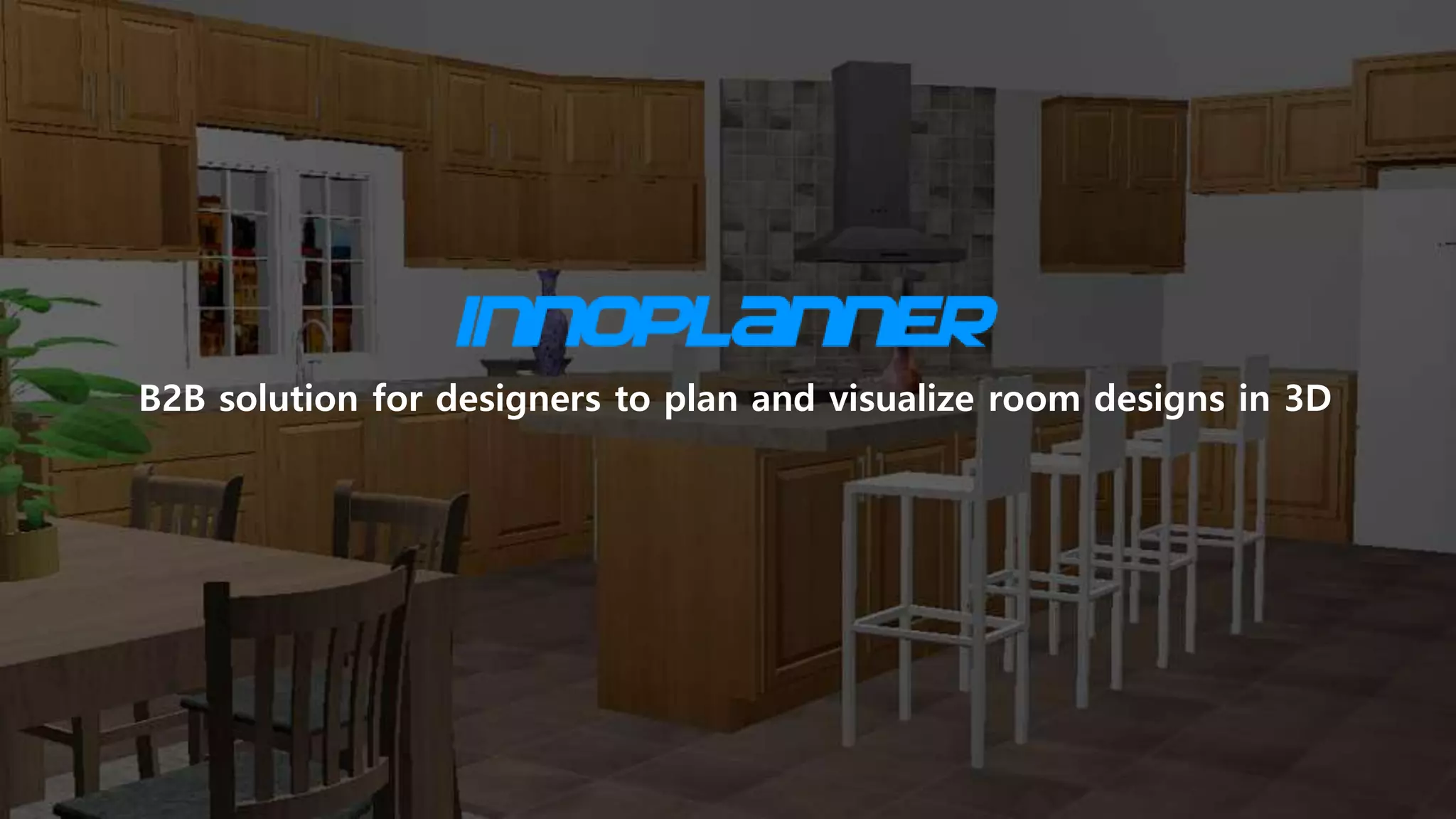
Innoplanner is a B2B software platform designed to help interior designers plan and visualize room layouts in 3D. The deck emphasizes a web-based, affordable approach that integrates multi-brand product catalogs directly into the design workflow. With a focus on professional users rather than hobbyists, the company highlights its ability to host white-label private catalogs and website integrations. At the time of this presentation, the platform was in beta testing with 40 designers and 10 brands already onboarded. The go-to-market strategy relies heavily on regional sales representatives and…
Key takeaways
- The platform is positioned as a B2B solution specifically for professional designers to visualize room designs in 3D (Slide 1).
- Innoplanner emphasizes four core value propositions: web-based access, rapid updates, affordability, and integration capabilities (Slide 2).
- A key feature is the ability to use multiple brands within a single design project, supported by a searchable product catalog (Slide 3).
- The software provides a 3D visualization interface for customers to view finished room samples (Slide 4).
- Go-to-market strategy is split between regional sales people, brand-led content, and social media presence on platforms like Houzz and Pinterest (Slide 5).
- The company reports early traction with 40 designers and 10 brands during its beta testing phase (Slide 6).
- The platform supports white-labeling, including 3 private catalogs and 2 website integrations already in place (Slide 6).
- The deck lacks a team slide, financial projections, and a specific investment ask, leaving significant gaps for potential investors.
Innoplanner Pitch Deck Teardown
Innoplanner enters the competitive space of 3D interior design software with a specific focus on the B2B market. While many tools in this category target the DIY homeowner, Innoplanner positions itself as a professional utility for designers who need to bridge the gap between planning and product procurement. The deck is brief, focusing primarily on product features and early beta traction.
Slide 1: Title and Value Proposition
The opening slide establishes the brand and its core mission. The tagline, "B2B solution for designers to plan and visualize room designs in 3D," is clear and functional. The background image displays a 3D render of a kitchen, providing immediate visual context for the software's output. By specifying "B2B," the company immediately filters its audience, signaling to investors that they are targeting professional workflows rather than the broader, often lower-margin consumer market.
Slide 2: The Solution
Slide 2 outlines the four pillars of the Innoplanner value proposition. These are listed as:
Web-based: Highlighting accessibility without hardware constraints. · Updates in minutes: Suggesting a cloud-syncing capability that keeps catalogs and software versions current. · Affordable: Positioned with a "Budget Friendly" icon, though no specific pricing is provided. · Integration: Represented by a shopping cart icon, hinting at e-commerce or procurement capabilities.
The background image of two women on a plane looking at a mobile device is a curious choice, perhaps intended to emphasize the portability of a web-based solution, though the software itself appears to be designed for desktop use based on subsequent screenshots.
Slide 3: Multi-Brand Catalog
This slide addresses a common pain point in interior design: the need to source from multiple vendors. The headline "Use multiple brands in the same design project" is supported by a screenshot of a "Products catalog" interface. The slide displays logos for several high-end home brands, including Ideal Standard, Geberit, Grohe, Miele, Kolo, Bosch, Duravit, Nobilia, Hacker, and Kohler. This suggests the platform acts as a centralized hub for 3D assets from these manufacturers, which is a significant value add for designers who would otherwise have to source models individually.
Slide 4: 3D Visualization
Slide 4 showcases the end-user experience with the headline "Customers can visualize the room design in 3D." The screenshot shows a kitchen layout with blue tiling and modern appliances. The UI elements visible in the screenshot—such as the 2D/3D toggle, camera icon, and a shopping cart with a "$0" balance—confirm that the tool is intended to facilitate the sales process between a designer and their client. The presence of a shopping cart icon reinforces the idea that this is not just a drawing tool, but a sales and procurement tool.
Slide 5: Go-to-Market Strategy
1. Regional Sales People: The company intends to use experienced sales representatives to cover specific market areas, a traditional but effective approach for B2B software. · 2. Focus on quality content: They aim to engage brands to publish their catalogs within the system. This creates a two-sided network effect where more brands attract more designers, and vice versa. · 3. Social Media: The slide lists Houzz, Facebook, Pinterest, and Instagram. Houzz and Pinterest are particularly relevant for this sector as they are primary discovery engines for interior design.
Slide 6: Current Status and Traction
The final slide provided in this set covers the company's current standing. It explicitly states they are in "Beta Testing." The traction metrics listed are:
40 Designers · 10 Brands · 3 White-label Private Catalogues · 2 White-label Website Integration
These numbers indicate that the product is functional and has moved past the prototype stage. The mention of white-label integrations is particularly important, as it suggests a secondary revenue stream or a B2B2B model where furniture retailers use Innoplanner's technology on their own websites.
What Works in This Deck
Clarity of Purpose: Within the first three slides, the viewer understands exactly what the product does, who it is for, and what the primary interface looks like. The B2B focus is a strong differentiator in a crowded market.
Product-Led Evidence: The inclusion of actual software screenshots (Slides 3 and 4) is helpful. It proves the software exists and shows a relatively clean, modern UI that appears capable of handling complex 3D environments.
Traction Transparency: Listing specific numbers for designers and brands (Slide 6) gives the deck credibility. Even though the numbers are small, they represent a validated starting point for a beta phase.
What Is Missing from This Deck
The Team: There is no information regarding who is building this. In early-stage startups, the team's background in 3D modeling, software engineering, or the interior design industry is often more important than the current beta metrics.
Market Size: The deck fails to quantify the opportunity. Investors need to see the Total Addressable Market (TAM) to understand if this can become a venture-scale business.
Business Model: While "Affordable" is mentioned, the deck does not explain how Innoplanner makes money. Is it a SaaS subscription for designers, a listing fee for brands, or a commission on sales made through the platform?
The Ask: There is no slide detailing how much capital the company is looking to raise and what that capital will be used for (e.g., hiring more sales people, expanding the dev team).
Founder Takeaways
Show the Workflow: Innoplanner does a good job of showing the catalog and the final render. Founders in the tools space should follow this example by showing how their product fits into the user's existing daily routine.
Leverage Brand Names: If you have partnerships or even just catalog integrations with recognizable brands (like Bosch or Miele), feature them prominently. It lends immediate professional credibility to your platform.
Define Your 'White-Label' Strategy: If your software can be embedded in other people's sites, highlight that early. It shows that your technology has value as an infrastructure play, not just as a standalone destination.
Frequently asked questions
- What is the primary target audience for Innoplanner?
- Innoplanner is strictly a B2B solution. According to Slide 1, the platform is designed for professional interior designers who need to plan and visualize room designs in 3D. This distinguishes it from consumer-grade home planning apps, focusing instead on the professional workflow and the integration of commercial product catalogs.
- How does Innoplanner handle product catalogs?
- The platform allows designers to use multiple brands within a single project. Slide 3 shows a product catalog interface featuring major brands like Bosch, Miele, Grohe, and Kohler. Slide 6 further notes that they have already secured 10 brands and are managing 3 white-label private catalogs, suggesting a business model built around brand partnerships.
- What is the current development status of the company?
- As of the deck's publication, Innoplanner was in the 'Beta Testing' phase. Slide 6 indicates they have 40 active designers using the system. They have also moved beyond simple software access to providing deeper technical integrations, such as white-label website integrations for two partners.
- What are the main technical advantages mentioned in the deck?
- The deck highlights that the solution is entirely web-based, which eliminates the need for heavy local software installations. Slide 2 also claims 'Updates in minutes,' implying a cloud-based architecture that allows for rapid iteration of design assets and catalog data compared to traditional desktop CAD software.
- What information is missing from this pitch deck?
- This deck is missing several standard venture capital components. There is no slide introducing the founding team or their expertise. Furthermore, there is no mention of the business model (how they charge), financial projections, market size (TAM/SAM), or a specific capital requirement (the 'Ask').