Cardsly is a networking technology startup aiming to modernize the traditional business card through dynamic QR codes. Their 12-slide deck highlights two primary pain points: the inability to know when a card has been viewed and the static nature of printed information. By offering 'updateable' codes, Cardsly allows users to change the destination URL of a physical card after it has been distributed. The deck proposes a hybrid business model involving per-shipment margins, subscriptions, and a commercial API. However, the presentation is light on quantitative data, omitting total addressable…
Key takeaways
- The product solves the 'blind' nature of networking by sending email or text notifications to the card owner when a QR code is scanned (Slide 4).
- Cardsly utilizes 'unique and updateable' QR codes, allowing one physical card to point to different digital destinations over time (Slide 5).
- The team consists of four members covering engineering, UX, design, and operations, though professional backgrounds are not detailed (Slide 3).
- Traction is described qualitatively, stating that individuals and businesses have 'pledged' to buy cards once version 1.0 launches (Slide 9).
- The business model is multi-faceted, intending to generate revenue from physical shipments, subscriptions, and an API (Slide 10).
- The roadmap includes branching out from business cards to printing QR codes on other objects within six months (Slide 11).
- The funding ask is specific, ranging from $250,000 to $400,000, with clear buckets for allocation including new printing equipment (Slide 12).
- The deck lacks a formal competition slide, failing to address how it differentiates from existing QR generators or digital business card apps.
Cardsly Pitch Deck Analysis
Cardsly is a technology-enabled printing company that seeks to bridge the gap between physical networking and digital tracking. By embedding dynamic QR codes into business cards, they offer a level of analytics and flexibility previously unavailable to traditional printed media. This teardown examines their 12-slide pitch deck to understand their value proposition and funding requirements.
Slide 1: Title and Contact
The cover slide introduces the brand identity with a logo featuring overlapping card icons and the tagline "QR code business cards done easi.ly." A large, functional QR code occupies the center of the slide, encouraging immediate interaction. Contact information, including an email address (help@cardsly), a phone number (480.428.8000), and a social handle (@cardsly), is clearly displayed in the bottom right corner.
Slide 2: Agenda
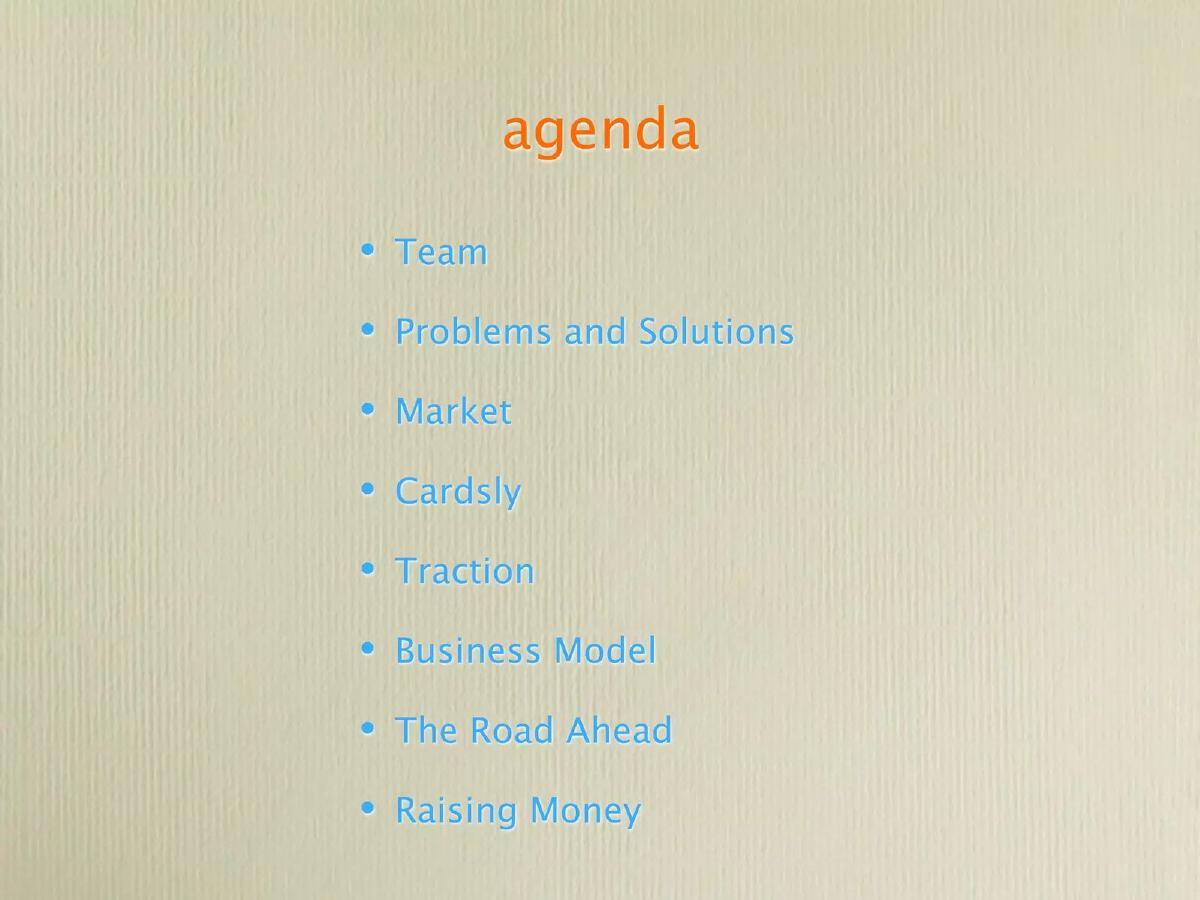
This slide provides a standard roadmap for the presentation. It lists eight sections: Team, Problems and Solutions, Market, Cardsly, Traction, Business Model, The Road Ahead, and Raising Money. This structure follows a traditional narrative arc for an early-stage pitch.
Slide 3: Our Team
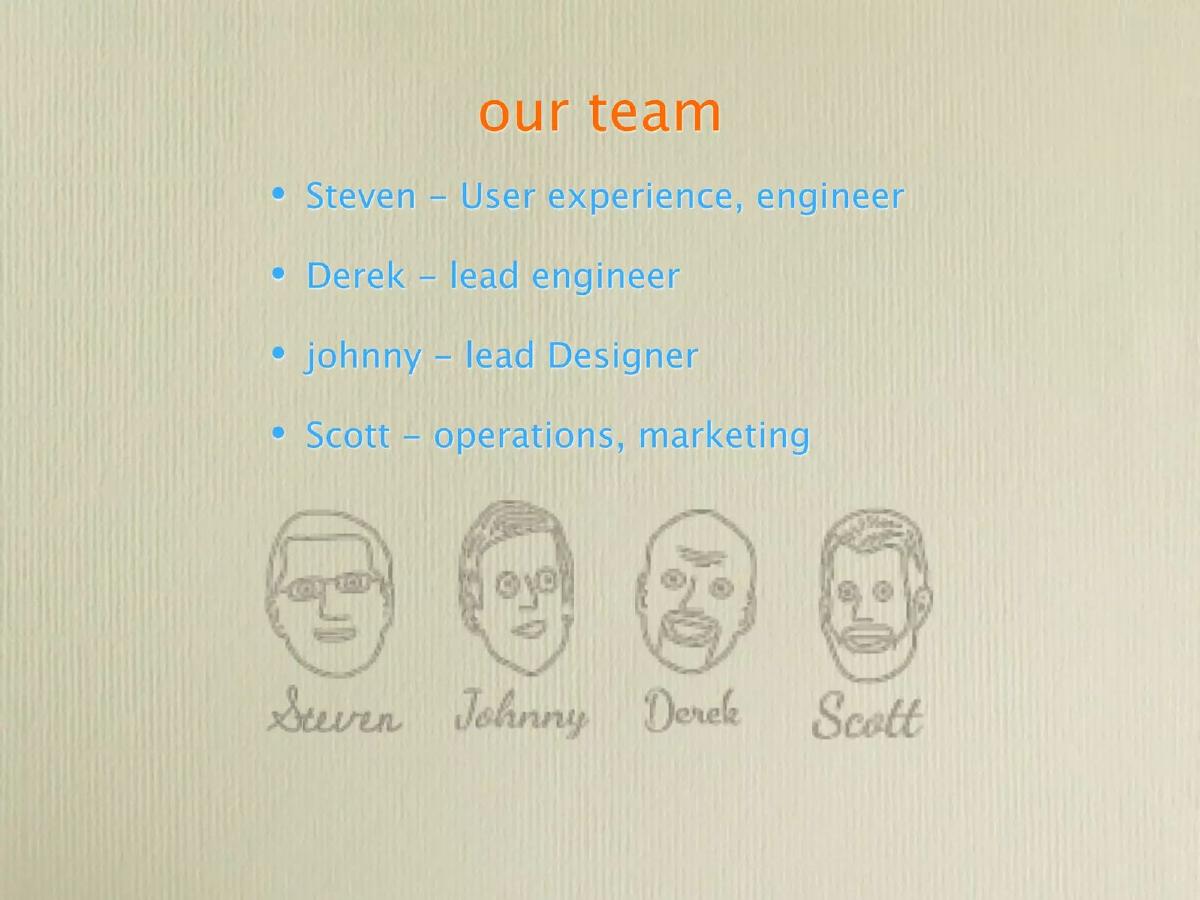
The team slide introduces four individuals: Steven (User experience, engineer), Derek (lead engineer), johnny (lead Designer), and Scott (operations, marketing). The slide uses hand-drawn style sketches of the team members. Notably, this slide lacks any professional context, such as past companies, years of experience, or specific expertise. For an investor, the lack of a 'proven' track record is a significant gap in this presentation.
Slide 4: Problems and Solutions - Tracking
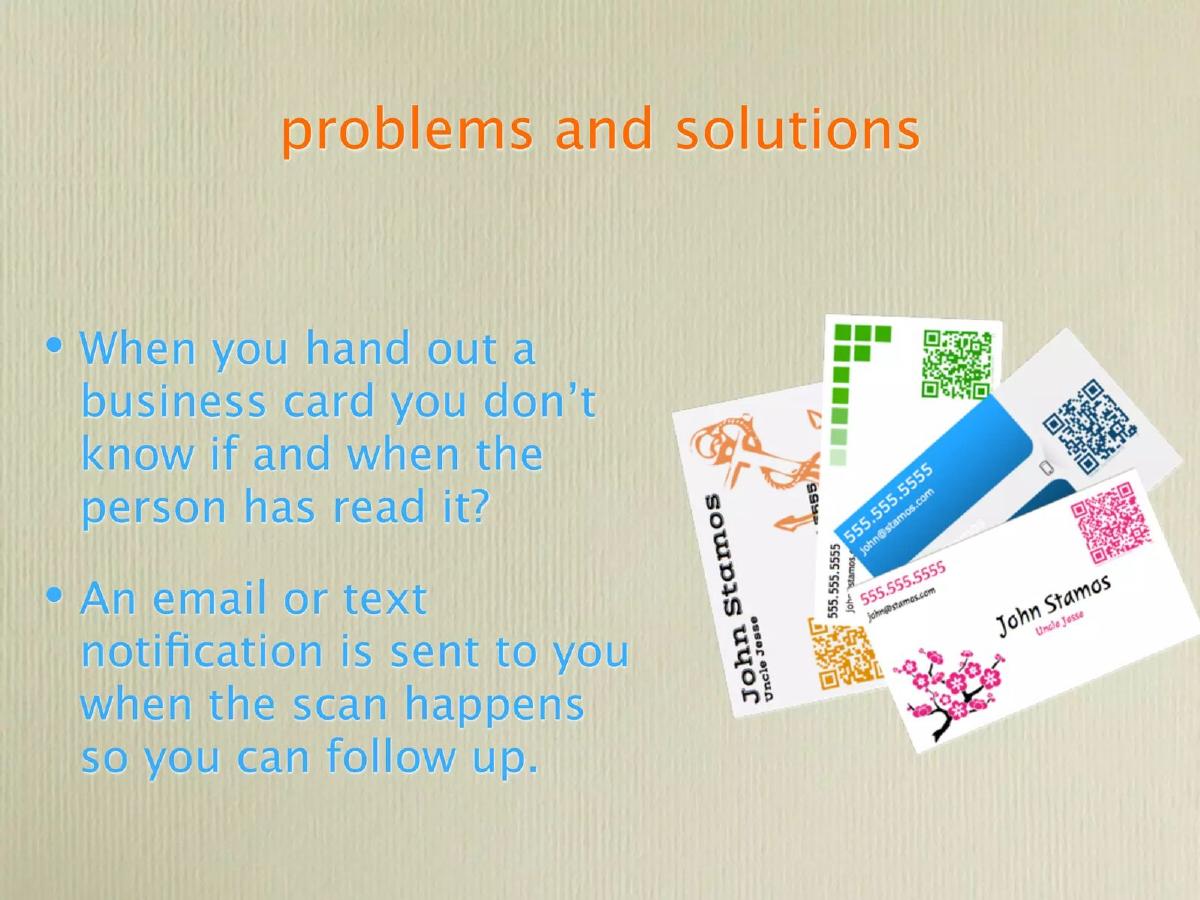
The first problem-solution slide addresses the lack of feedback in physical networking. It states, "When you hand out a business card you don’t know if and when the person has read it?" The proposed solution is an "email or text notification" sent to the user when a scan occurs, allowing for timely follow-up. This identifies a clear, relatable pain point for sales professionals and networkers.
Slide 5: Problems and Solutions - Flexibility
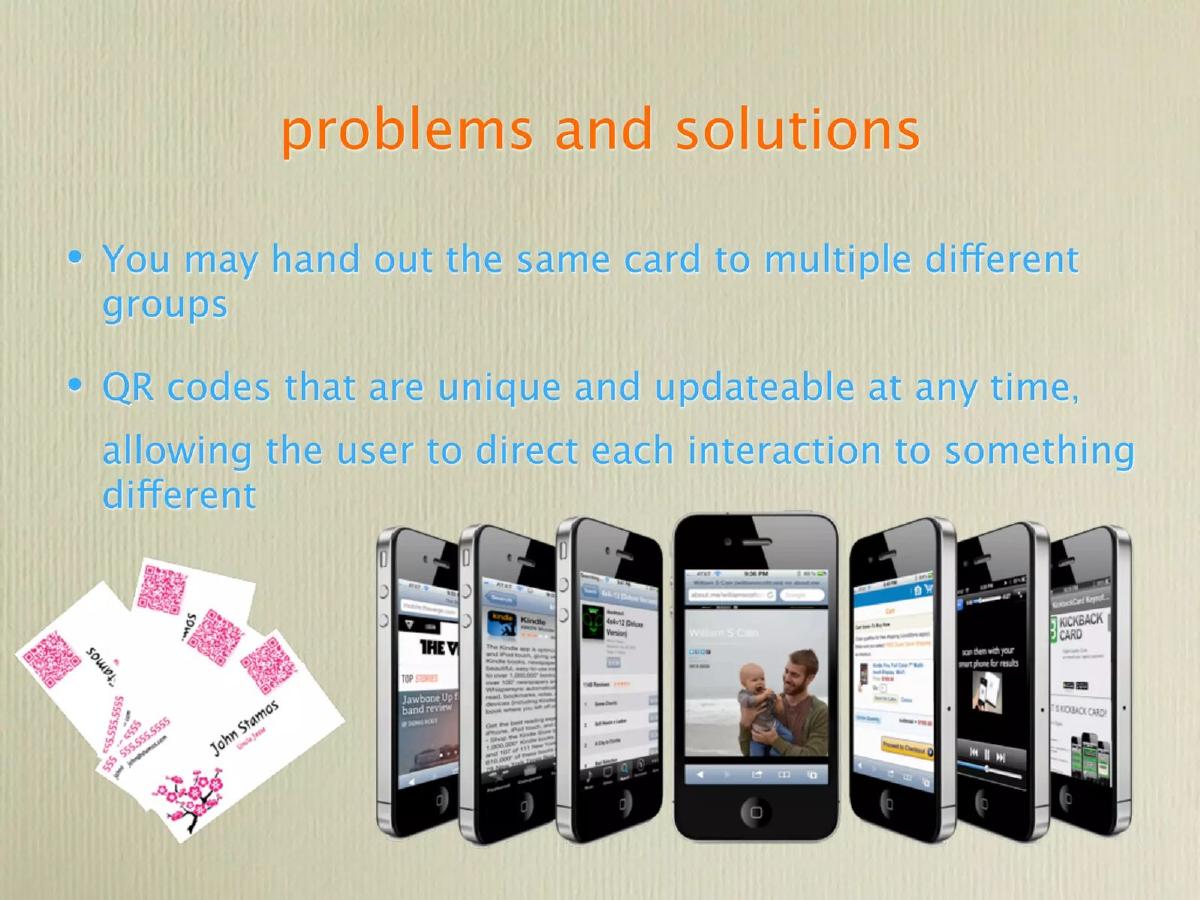
The second problem-solution slide focuses on the static nature of printed cards. It notes that users may hand out the same card to different groups. The solution is "QR codes that are unique and updateable at any time," which allows the user to "direct each interaction to something different." The slide includes imagery of various smartphone screens, implying the diverse digital destinations a single card could link to.
Slide 6: Market
The market slide makes three qualitative claims: the demand for personal business cards is increasing, QR codes on cards are a "novel concept," and smartphone adoption rates are rising. While these points are logically sound, the slide lacks quantitative data. There are no figures for the Total Addressable Market (TAM), Serviceable Addressable Market (SAM), or specific growth percentages to justify the scale of the opportunity.
Slide 7: Cardsly Product Overview
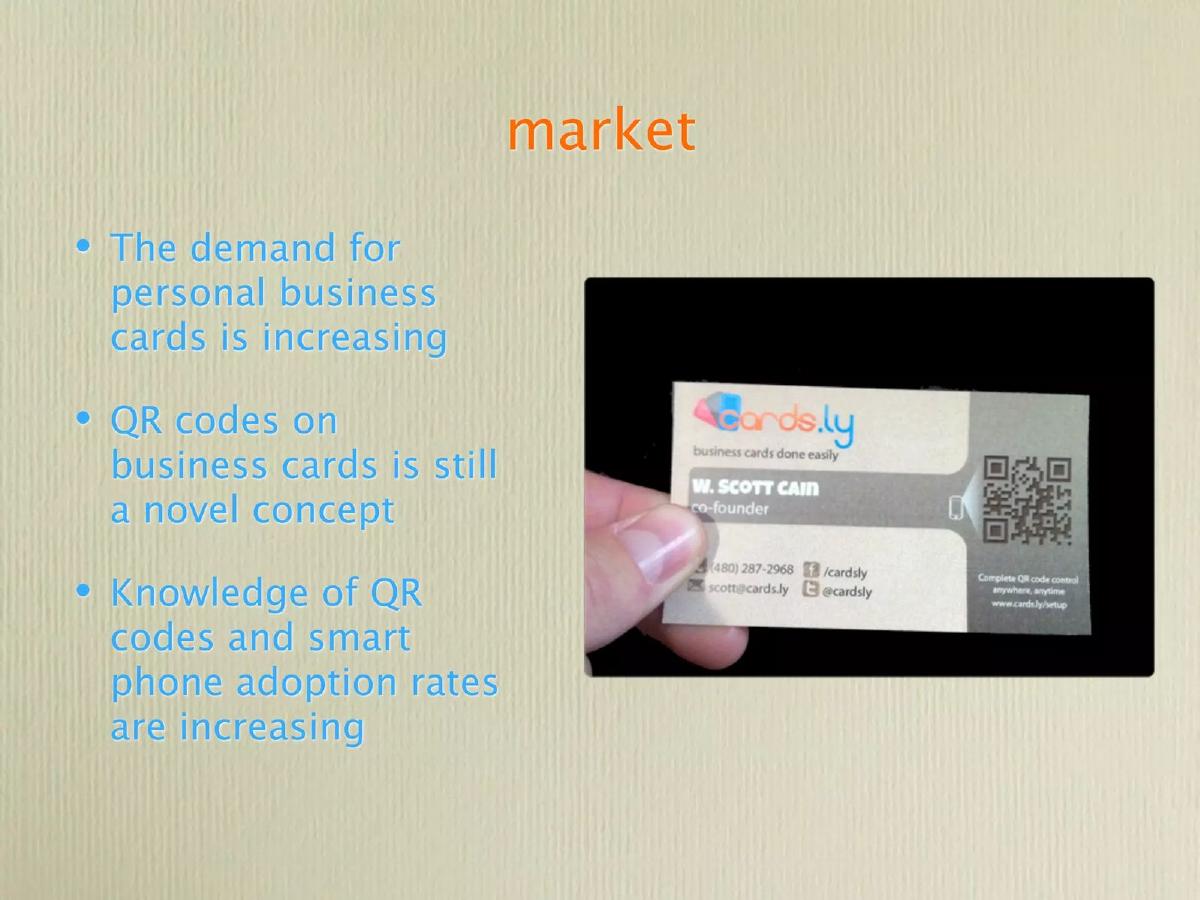
This slide summarizes the product's core attributes: "affordable, modern, updatable, trackable, controllable." It features a photograph of a physical business card for co-founder Derek Bredensteiner, demonstrating the real-world application of the product. The design of the card shown is clean and incorporates the QR code as a primary design element.
Slide 8: Interface Preview
Cardsly showcases its backend management system here. The text describes a "Simple yet robust interface to purchase, control, and track QR codes." The screenshots show a dashboard where users can assign specific URLs to different card ranges (e.g., cards #1-100 link to a Facebook profile, while #201-300 link to kickbackcard.com). This slide is crucial as it proves the software component of the business is functional.
Slide 9: Traction
The traction slide claims the company "Already [has] customers" and that "Individuals and businesses have pledged to buy cards once 1.0 launches." It also notes that QR code usage is increasing daily. However, the deck does not list the number of current beta users, the dollar amount of 'pledged' sales, or any specific pilot partners. This makes the traction difficult for an investor to verify.
Slide 10: Business Model
The business model is presented as a three-pillar strategy: 1) "making money on each shipment" through competitive pricing, 2) "subscription service" for ongoing management, and 3) a "commercial API." The ultimate goal is to "Become [a] hub for QR Code management." This suggests the company views itself more as a software platform than a simple print shop.
Slide 11: The Road Ahead
The roadmap is divided into three phases: "next 4 weeks" (launching an app for pictures/videos), "next 6 months" (branching out to print QR codes on other things and partnering with a printer), and "12 + months" (integrating QR codes into 'everything'). The middle phase mentions partnering with a printer, which slightly contradicts the next slide's mention of buying their own printing equipment.
Slide 12: Raising Money
The final slide states that Cardsly is looking to raise "$250,000–$400,000." The funds are allocated to:
Personnel: Salaries and hiring one more member. · Operations: Web hosting and new printing equipment. · Miscellaneous: Office space, legal fees, and marketing.
The ask is relatively modest for a hardware/software hybrid, but the range is clearly defined.
What Works in This Deck
Clear Value Proposition: The deck does an excellent job of explaining why dynamic QR codes are better than static ones. The 'notification upon scan' feature is a compelling hook for anyone in sales. · Product Visuals: Showing both the physical cards and the digital management interface helps investors understand exactly what the company has built. · Specific Ask: The funding slide is transparent about how much money is needed and where it will go.
What is Missing
Quantitative Market Data: There is no mention of the size of the business card market or the growth rate of the QR code industry. Investors need to see the 'size of the prize.' · Competitive Analysis: The deck ignores competitors. In a crowded space of digital business cards and QR generators, failing to explain why Cardsly is different is a major oversight. · Team Pedigree: Without bios or past achievements, the team slide doesn't build the necessary trust that these four individuals can execute the plan. · Financial Projections: There are no charts showing expected revenue growth, customer acquisition costs (CAC), or lifetime value (LTV).
What a Founder Should Copy
The 'Problem' Framing: The way Cardsly frames the problem—not knowing if your card was read—is a perfect example of identifying a 'hidden' pain point in a traditional process. · Functional Cover Slide: Including a working QR code on the first slide is a great way to get the audience to engage with the product immediately. · Simplicity: The deck avoids jargon and uses simple language to explain a technical product. This ensures that any investor, regardless of their technical background, can follow the logic.
Frequently asked questions
- What is the primary technical advantage of Cardsly?
- The primary advantage is the use of dynamic, 'updateable' QR codes. Unlike standard QR codes that link to a permanent URL, Cardsly allows the user to change the destination link through a web interface (Slide 8) even after the card is printed. This means a user can redirect their card from a LinkedIn profile to a specific project page or a promotional video at any time.
- How does Cardsly plan to make money?
- According to Slide 10, the company has a three-pronged revenue strategy: earning a margin on each physical shipment of cards, offering the platform as a subscription service for ongoing management, and providing a commercial API for third-party integrations. They aim to become a 'hub for QR Code management.'
- What is the current stage of the product?
- The product appears to be in a pre-launch or beta phase. Slide 9 mentions that customers have 'pledged' to buy cards once '1.0 launches,' and Slide 11 lists an 'app for attaching pictures and videos' as a goal for the next four weeks. This suggests the full commercial version was not yet live at the time of the deck's creation.
- Who are the founders and what is their experience?
- Slide 3 lists four team members: Steven (UX/Engineer), Derek (Lead Engineer), Johnny (Lead Designer), and Scott (Operations/Marketing). While their roles are defined, the deck provides no information regarding their previous work history, education, or specific technical accomplishments, which is a significant omission for an investor deck.
- How will the requested $250,000–$400,000 be used?
- The funds are earmarked for three categories: Personnel (salaries and one new hire), Operations (web hosting and new printing equipment), and Miscellaneous (office space, legal fees, and marketing). The inclusion of 'printing equipment' suggests Cardsly intends to handle at least some production in-house rather than purely outsourcing (Slide 12).