1Checkin’s pitch deck, presented at the Travel Tech Conference Russia, addresses the logistical headache of managing multiple airline apps and manual check-in windows. The presentation relies heavily on visual storytelling, using a map of Europe (Slide 2) and a grid of competing airline apps (Slide 3) to illustrate the fragmented user experience. The solution is a centralized platform that automates check-ins and delivers boarding passes via email or app. Beyond the core utility, the deck hints at a monetization strategy through ancillary services like seat upgrades, lounge access, and flight…
Key takeaways
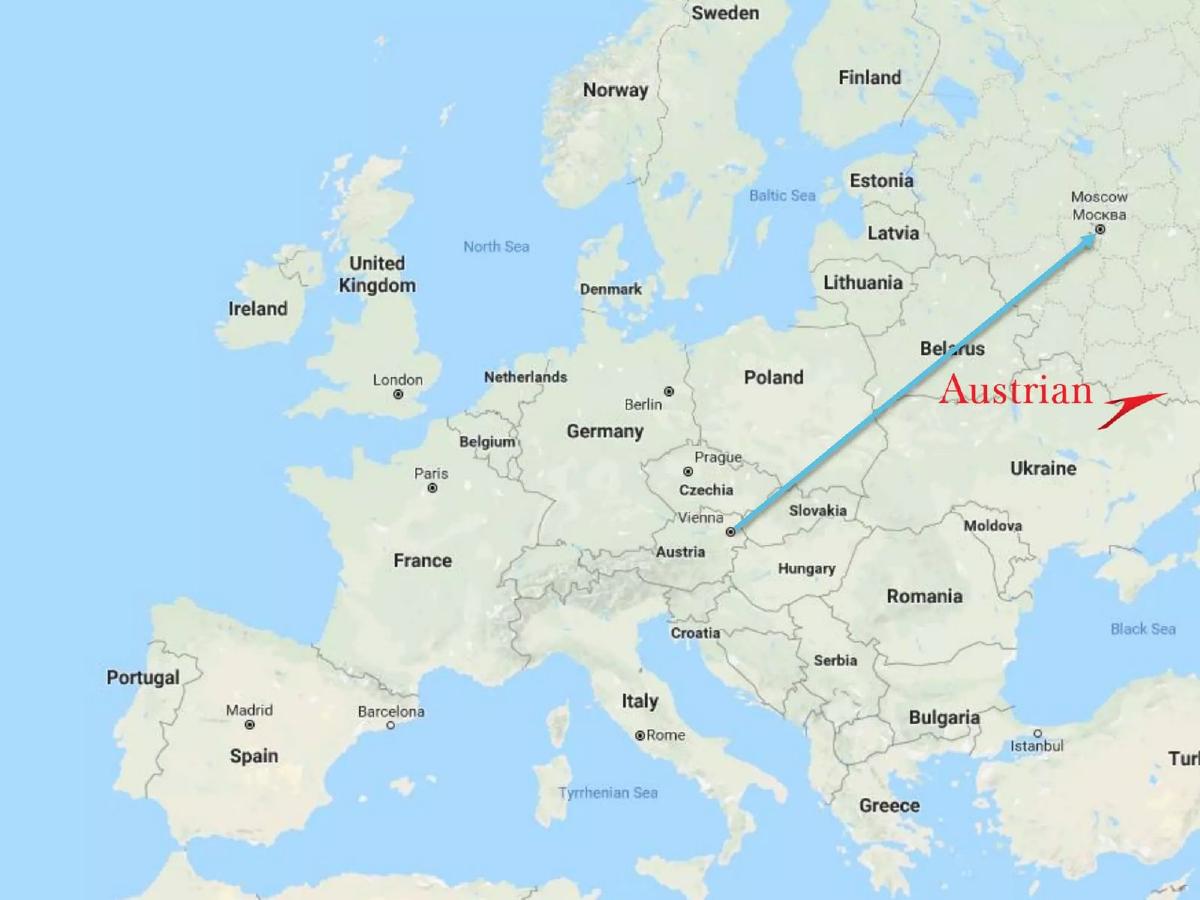
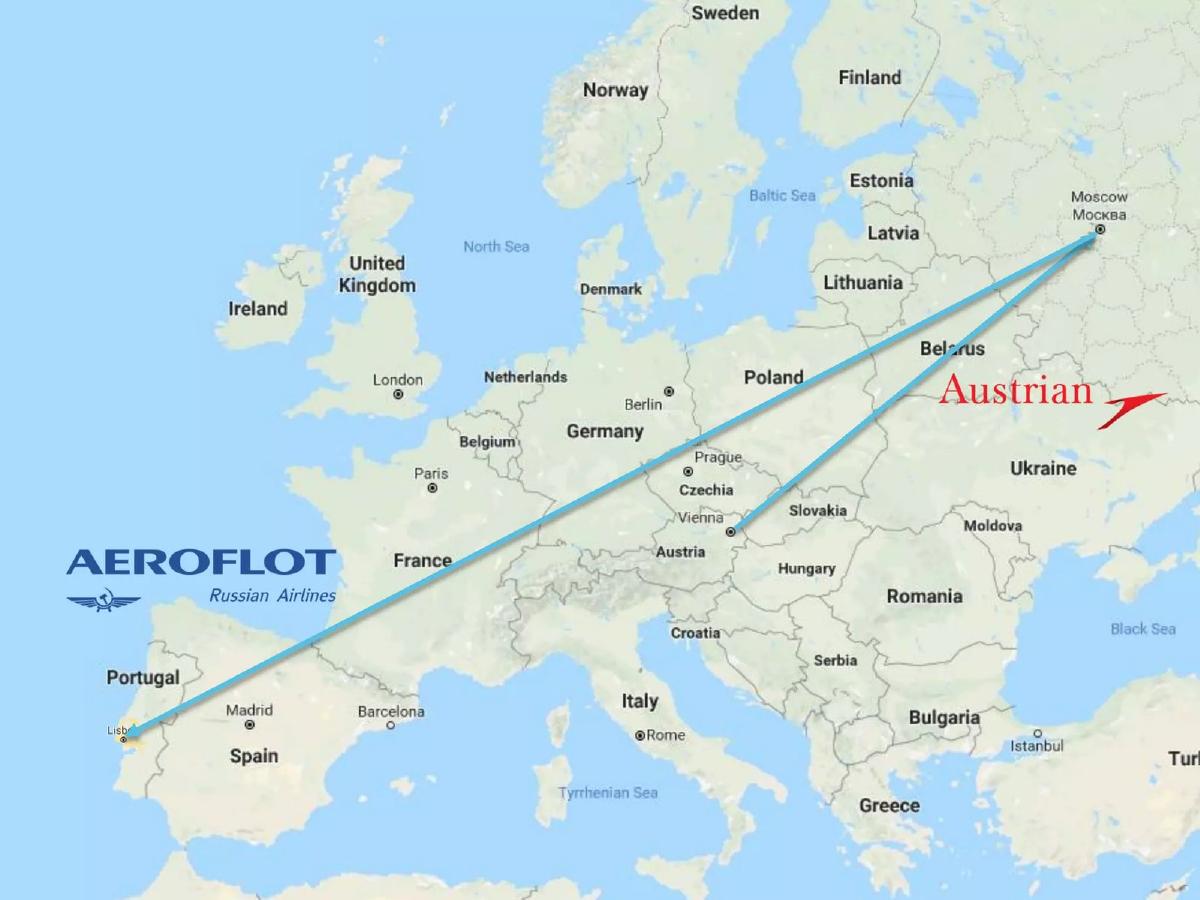
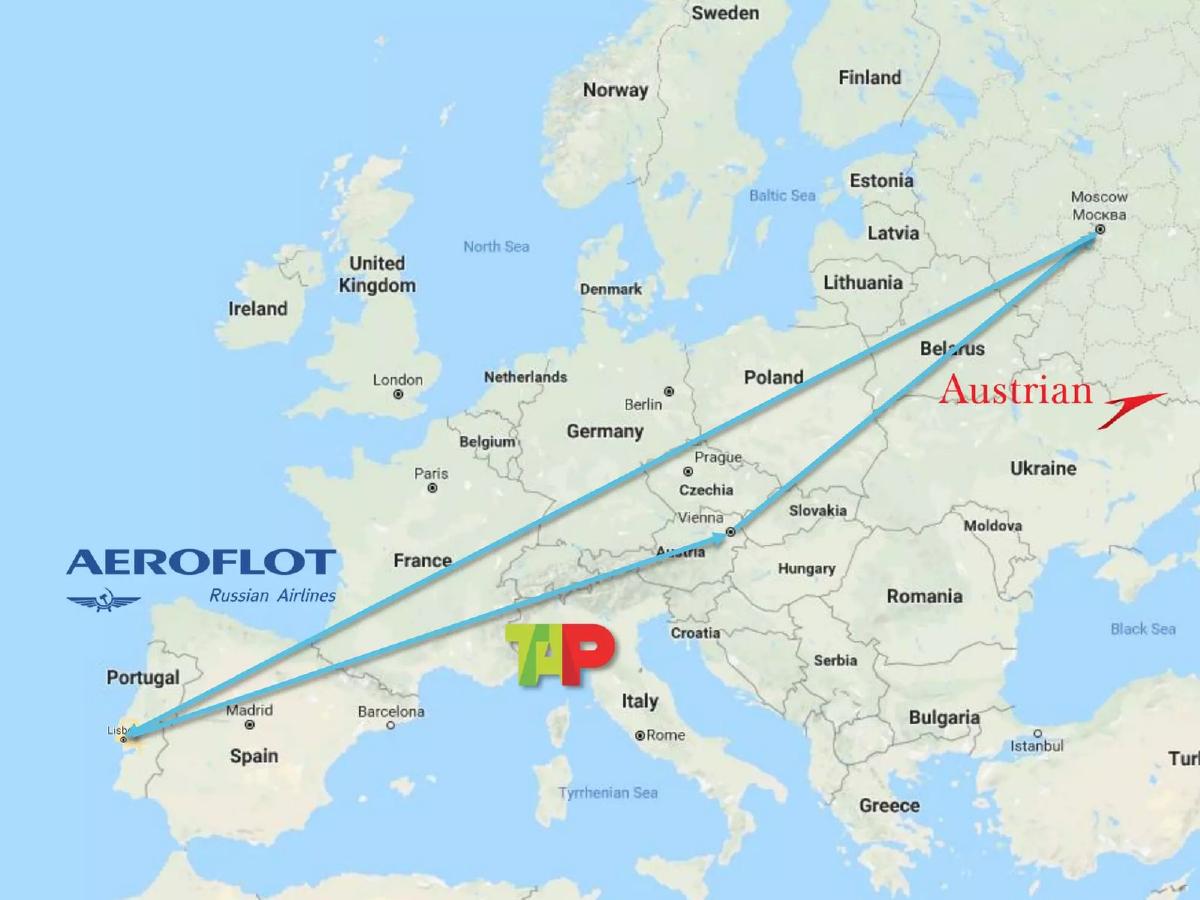
- The deck uses a map of Europe to illustrate the complexity of multi-leg, multi-carrier travel (Slide 2).
- A visual grid of over 20 airline apps highlights the 'app fatigue' problem for frequent travelers (Slide 3).
- The core value proposition is 'Automated Check-in,' presented as a one-click solution (Slide 4).
- The workflow involves forwarding a booking confirmation to a dedicated email address to trigger the automation (Slide 6).
- The platform offers a B2B or affiliate integration model, shown through a checkout screen charging £7.00 for automated check-in (Slide 7).
- Revenue expansion is planned through ancillary services including seat upgrades, lounge access, and flight claim services (Slide 9).
- The deck is highly visual with minimal text, suggesting it was designed to support a live verbal presentation rather than stand alone.
- Critical fundraising elements, such as the specific 'Ask,' team bios, and competitive landscape analysis, are missing from the reviewed slides.
Introduction: The Visual Pitch for Travel Automation
The 1Checkin pitch deck, delivered at the Travel Tech Conference Russia, is a masterclass in minimalist, visual storytelling. Rather than overwhelming the audience with data points, the deck uses relatable imagery to highlight a specific pain point in the travel industry: the fragmented and stressful nature of airline check-ins. The company positions itself as a centralized layer that sits above the airlines, handling the logistics of check-ins and boarding passes on behalf of the traveler.
Slide 1: Title Slide
The deck opens with a simple black background featuring the 1Checkin logo—a stylized red and blue airplane—and the company name. There is no tagline or mission statement on this slide, relying entirely on the brand identity to set the stage.
Slide 2: The Complexity of Modern Travel
Slide 2 uses a map of Europe with flight paths connecting Lisbon, Moscow, and Vienna. Logos for Aeroflot, TAP Air Portugal, and Austrian Airlines are superimposed. This slide serves as the 'Problem' introduction, visually demonstrating that a single trip often involves multiple carriers, each with its own rules, apps, and check-in windows.
Slide 3: App Fatigue and User Stress
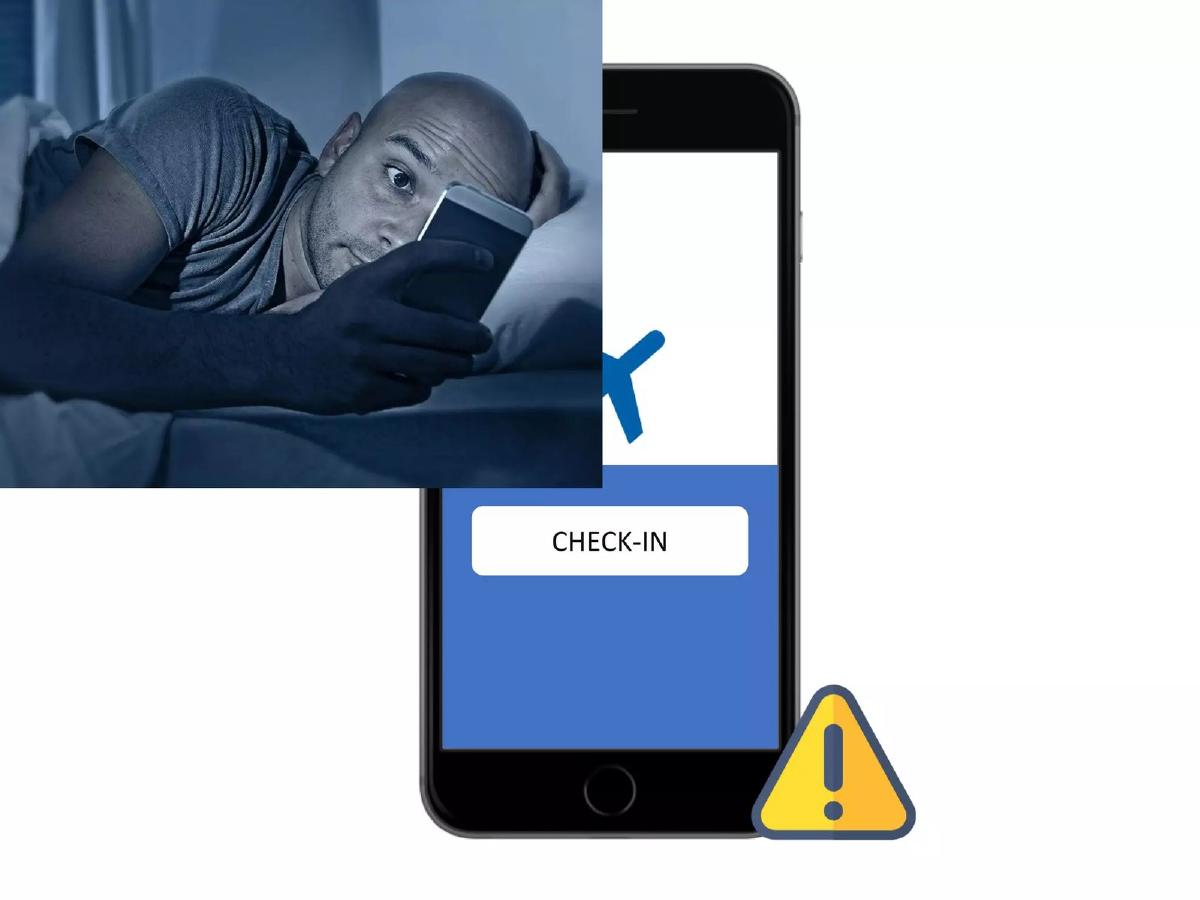
This slide is split into three visual components. On the left, a traveler is shown looking stressed while using a smartphone in bed. On the right, a grid of over 20 different airline apps (Air France, KLM, Lufthansa, Delta, etc.) illustrates the clutter travelers face. At the bottom, a generic 'Check-in' button with a warning icon highlights the anxiety of missing a check-in window. This is a highly effective 'emotional' slide that identifies the specific moment of friction 1Checkin aims to eliminate.
Slide 4: The Solution - Automated Check-in
Slide 4 introduces the solution with the text 'AUTOMATED CHECK-IN' flanking a smartphone displaying the 1Checkin logo. A green checkmark icon at the bottom right signifies completion and peace of mind. This slide acts as the pivot from the problem to the value proposition.
Slide 5: The User Interface and Workflow
This slide provides a look at the mobile app interface. It shows a flight from Moscow (SVO) to Lisbon (LIS) with a scheduled check-in time. Notably, it includes a 'Near the window' seat preference and an 'Add passenger' option. The workflow is summarized by icons for 'Booking Confirmation' leading to the app, which then leads to the 'Boarding Pass.' This clarifies that the app handles the middle-man logistics.
Slide 6: Web Interface and Email Integration
Slide 6 shows the 1Checkin website. It offers two ways to use the service: entering a Booking Reference (PNR) and last name, or forwarding a booking confirmation email to 'en@1check.in.' This 'forward-to-process' model is a common strategy for travel startups (similar to TripIt) to lower the barrier to entry for new users.
Slide 7: Monetization and Ancillary Integration
This slide shows a checkout screen, likely from a partner travel agency or a white-label integration. It lists 'Check-in' as an add-on service for '£7.00 per booking.' It also shows 'Cancellation Protection' for £6.50. This is the first indication of the company's business model: charging a convenience fee for the automation service.
Slide 8: Post-Check-in Communication
Slide 8 displays a sample email from a 'TRAVEL AGENCY' delivering a boarding pass. The email includes a 'Don't miss the deal!' section for car rentals. This slide illustrates the 'Check-in Confirmation' phase and hints at the potential for lead generation and affiliate revenue through the delivery of the boarding pass.
Slide 9: The Ecosystem of Services
Slide 9 expands the vision beyond just check-ins. Surrounding the central app are four icons representing future or additional services: Seat Upgrades, Flight Claim Service (legal recourse for delays), Premium Concierge (represented by a robot butler), and Airport Lounge Access. This slide is intended to show investors the 'Long-term Value' (LTV) potential of a user who starts with a simple check-in service.
Slide 10: Closing Slide
The deck concludes as it began, with the logo on a black background. No contact information or call to action is present on this specific slide, which is common for conference presentations where the speaker is still on stage.
What 1Checkin Does Well
The deck excels at problem identification . By using a grid of airline apps, they immediately trigger a 'pain memory' for any frequent traveler. The visual simplicity ensures that the audience isn't distracted by reading long bullet points while the founder is speaking. The workflow clarity on Slide 5 and 6 is also a strength; it explains exactly how the product works (PNR entry or email forwarding) without needing technical jargon. Finally, the upsell potential shown on Slide 9 provides a clear path to how this becomes a larger business than just a utility app, moving into the lucrative world of travel ancillaries.
What is Missing from the Deck
Because this was a conference pitch, it lacks the 'meat' required for a formal VC due diligence process. The most glaring omissions include:
The Team: There is no information on who is building this. In early-stage travel tech, founder experience with GDS (Global Distribution Systems) or airline APIs is critical. · Market Size: The deck doesn't quantify how many frequent travelers exist or what the total addressable market for travel ancillaries is. · Traction: There are no metrics. How many users do they have? What is the conversion rate for the £7.00 fee? What is the retention rate? · Competition: The deck implies the airlines are the competition, but it ignores other travel management tools or the fact that some airlines are moving toward automatic check-in within their own apps. · The Ask: There is no mention of how much money the company is looking to raise or what the milestones for the next 18 months are.
Founder's Guide: What to Copy
Use 'App Fatigue' as a Weapon: If you are building a tool that consolidates fragmented services, use a visual grid of those services (like Slide 3) to show how overwhelming the current status quo is for the consumer. It is a powerful way to justify your existence as a 'centralized layer.'
Show, Don't Just Tell, the Workflow: Slide 6 is a great example of showing the 'low friction' entry point. By showing the email forwarding option, they prove they understand user behavior—people don't want to fill out long forms; they want to forward an email and be done with it.
Map the Revenue Journey: Don't just show your core product. Show the 'surround sound' of revenue opportunities. Slide 9 effectively communicates that 'Check-in' is just the hook to get the user into an ecosystem where higher-margin services (lounges, upgrades, claims) can be sold.
Frequently asked questions
- What problem does 1Checkin solve?
- 1Checkin addresses the friction of manual airline check-ins, particularly for travelers using multiple airlines. As shown on Slide 3, travelers often have to manage dozens of individual airline apps. The service automates this process, ensuring travelers get checked in as soon as the window opens without needing to monitor the time or use specific carrier apps.
- How does the automated check-in process work for the user?
- According to Slides 5 and 6, the user can either enter their Booking Reference (PNR) and last name on the website or forward their booking confirmation email to a specific 1Checkin address. The system then monitors the flight and automatically checks the passenger in, delivering the final boarding pass back to the user's inbox or app.
- How does 1Checkin plan to make money?
- The deck suggests two primary revenue streams. Slide 7 shows a direct-to-consumer or affiliate model where a 'Check-in' service is offered for a fee of £7.00 per booking. Slide 9 outlines additional ancillary services that can be cross-sold, such as seat upgrades, premium concierge services, airport lounge access, and flight claim services for delayed or canceled trips.
- What is missing from this pitch deck?
- This version of the deck is missing several standard venture capital requirements. There is no slide detailing the founding team's expertise, no market size (TAM/SAM/SOM) analysis, no financial history or projections, and no specific funding 'Ask.' It functions more as a product demo or a conference 'teaser' than a full investment memorandum.
- Does 1Checkin support seat preferences?
- Yes. Slide 5 shows a mobile interface where a user can select seat preferences, such as 'Near the window.' Slide 9 further reinforces this by listing 'Seat Upgrades' as a core feature of the platform, allowing users to automate not just the check-in, but the optimization of their seating arrangement.