Help Scout’s TechStars Demo Day deck, consisting of 22 slides (8 analyzed here), utilizes a minimalist aesthetic designed for a live stage presentation rather than a deep-dive read. The deck emphasizes traction through its 'Feed My Inbox' tool, which boasted over 185,000 active users (Slide 2), and highlights a clear per-user pricing model ranging from free to $20/month (Slide 6). The product slides (Slides 3-4) demonstrate a unified customer view, integrating external data like lifetime value and referral sources directly into the support ticket. While the deck lacks traditional slides for t…
Key takeaways
- The deck leads with significant traction, citing over 185,000 active users for their 'Feed My Inbox' tool on Slide 2.
- Product slides (3 and 4) emphasize data integration, showing customer lifetime value ($75) and referral sources (sixrevisions.com) within the support interface.
- Help Scout identifies its core target market as small startups with an average team size of 5-7 users on Slide 6.
- The pricing strategy is transparent and tiered: Basic (Free), Standard ($10/user/month), and Business ($20/user/month) as seen on Slide 6.
- Slide 5 presents a vision for growth, contrasting their current 'Small Startup' status with the goal of becoming a '$60M Business'.
- The deck uses high-volume activity as a proof of scale, noting '1,000+ emails/day' on Slide 7.
- The presentation follows a 'less is more' philosophy, with minimal text per slide to ensure the audience focuses on the speaker during Demo Day.
- Omissions in this 8-slide set include a formal team slide, competitive landscape, and a specific dollar amount for the investment ask.
The Demo Day Aesthetic: Minimalism as a Power Move
Help Scout’s TechStars Demo Day deck is a classic example of 'stage-ready' design. Unlike decks intended to be read as a PDF in an investor’s inbox, this deck uses almost no text. It relies on the founder’s narration to provide context, using the slides as visual punctuation. This approach is highly effective for keeping an audience engaged during a fast-paced Demo Day, but it places a heavy burden on the visuals to be immediately understandable.
Slide 1: Title Slide
The deck opens with a clean, white background featuring the Help Scout logo and a gold medal icon. The URL 'HelpScout.net' is positioned centrally. There is no tagline or mission statement present on this slide. The gold medal icon establishes a visual theme of 'winning' or 'excellence' that recurs throughout the presentation.
Slide 2: Traction via 'Feed My Inbox'
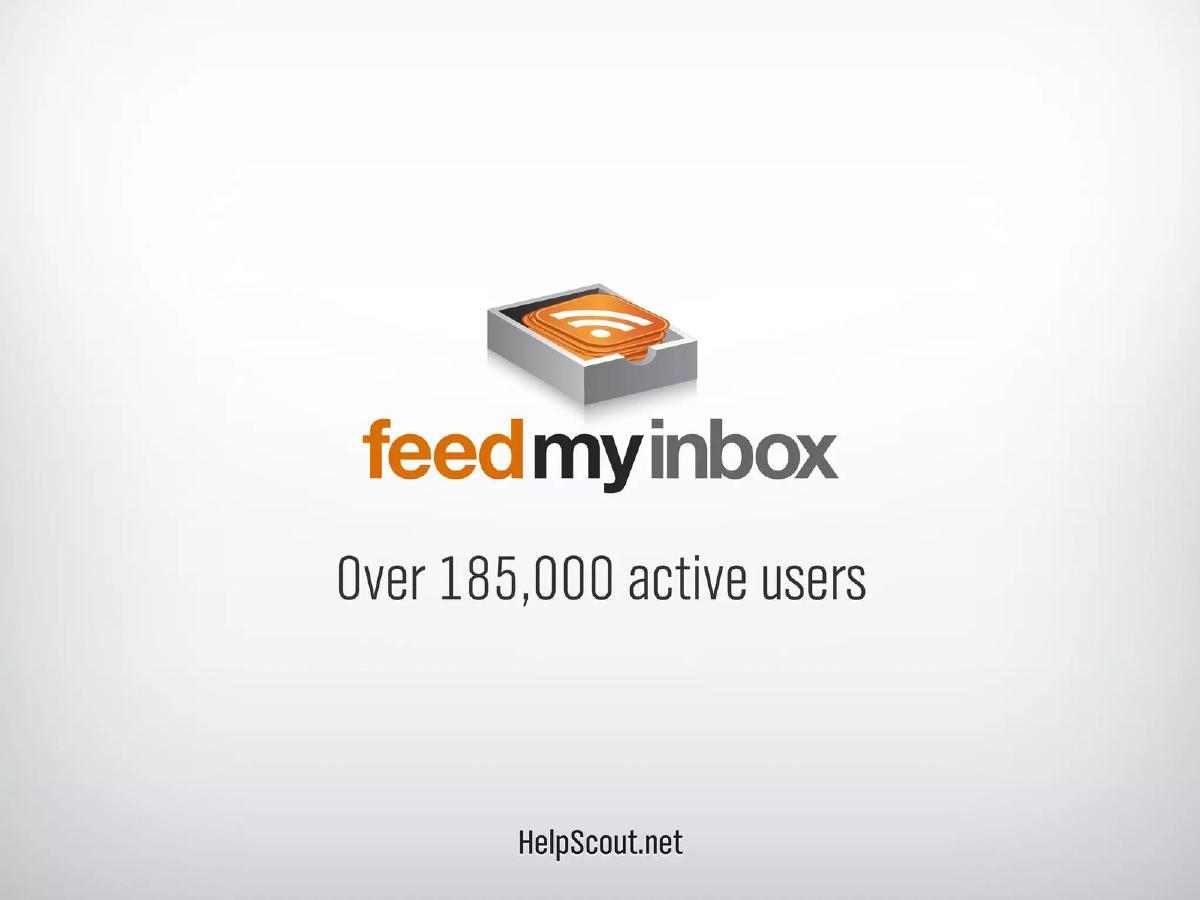
Slide 2 introduces 'Feed My Inbox' with the headline 'Over 185,000 active users.' This is a significant traction metric for an early-stage startup. It suggests that the team has already built a product with mass appeal and a large user base, which serves as a powerful credibility builder early in the pitch. The use of a specific, large number immediately signals that this is not just a concept, but a functioning ecosystem.
Slides 3 and 4: The Product in Action
These two slides provide a deep dive into the Help Scout interface. Slide 3 shows a 'Website Submission' ticket from a customer named Antonio Williams. The right-hand sidebar is the focal point, displaying 'Customer Information' including location, email, and phone number. Slide 4 uses a pop-over effect to highlight integrations with 'Feed My Inbox' and 'Performable.' Key data points shown include:
Plan: 25 Feeds · Customer since: May 25, 2010 · Next Payment: $5 on May 2012 · Lifetime Value: $75 · Referrer: sixrevisions.com · User Activity: 'Pricing page Basic plan click: 23 hrs ago'
This demonstrates the core value proposition: Help Scout isn't just an email tool; it's a data aggregator that gives support agents the context they need to provide better service and identify upsell opportunities.
Slide 5: The Vision
Slide 5 is a transition slide. It shows a checkmark next to 'Small Startup' and a question mark next to '$60M Business.' This slide addresses the 'so what?' of the pitch. It acknowledges their current success with small teams while signaling their ambition to scale into a significant enterprise. It sets the stage for the business model discussion by framing the company as an investment opportunity with high upside.
Slide 6: The Business Model
This slide details the pricing strategy. It is remarkably simple:
Basic: FREE · Standard: $10 /user /month · Business: $20 /user /month
A highlighted box at the bottom states: 'Avg. company size: 5-7 users.' This is a critical piece of information for investors because it allows them to calculate the Average Revenue Per Account (ARPA) and understand the target demographic. By focusing on teams of 5-7, Help Scout is positioning itself as the go-to tool for the 'Small Startup' segment mentioned on the previous slide.
Slide 7: Scale Metric
Slide 7 features only the text '1,000+ emails/day.' This is a volume metric intended to show that the platform is being used actively and can handle a steady stream of communication. In the context of a demo day, this slide serves as a final 'proof of life' for the product’s utility before the closing.
Slide 8: Closing Slide
The deck concludes with the logo and a specific contact email: 'DemoDay@HelpScout.net.' This is a smart tactical move, as it allows the founders to track which leads came specifically from the Demo Day event versus their general marketing efforts.
What Works in This Deck
Clarity of Product: The screenshots in Slides 3 and 4 are not just pretty pictures; they are functional demonstrations of the product's unique selling point—integrated customer data. An investor can immediately see how Help Scout differs from a standard Gmail inbox.
Traction First: By putting the 185,000 active users on Slide 2, Help Scout eliminates the 'is anyone using this?' question before it can even be asked.
Simple Monetization: The pricing slide is unambiguous. There are no complex 'contact sales' tiers or confusing feature matrices shown here. It presents a scalable, self-serve SaaS model that investors find attractive.
What Is Missing
The Team: In this 8-slide selection, there is no mention of who is building the company. For a TechStars company, the 'why us' is usually as important as the 'what.' The absence of founder pedigrees or previous exits is a notable omission.
The Market: There is no slide addressing the size of the help desk or customer support software market. While investors likely know it is a large market (competitors like Zendesk were already established), a formal TAM/SAM/SOM slide is standard for justifying a venture-scale investment.
The Competition: The deck does not address how Help Scout wins against incumbents. While the product slides hint at a better user experience, a direct comparison or a 'competitive landscape' matrix is missing.
The Ask: There is no mention of how much money the company is raising or what the milestones for the next 18 months look like. This is common for public-facing Demo Day decks where founders may want to avoid public solicitation issues, but it leaves the 'investment' part of the pitch deck incomplete.
Founder Takeaways
Design for the back of the room: If you are pitching on a stage, follow Help Scout's lead. Use large fonts, one idea per slide, and high-quality screenshots. If the audience has to squint to read your unit economics, you have already lost them.
Use 'Trojan Horse' metrics: Help Scout used 'Feed My Inbox' (a side tool) to show massive user numbers. If your main product is still in early beta, find a related metric or a side project that proves you know how to acquire and retain users at scale.
Context is King: Don't just show your UI; show the data inside the UI that makes your product better. Help Scout’s inclusion of 'Lifetime Value' and 'Referrer' in their screenshots told a better story than a list of features ever could.
Frequently asked questions
- What is the primary value proposition shown in the Help Scout deck?
- The deck focuses on providing a comprehensive view of the customer within the support inbox. Slides 3 and 4 show how Help Scout pulls in data from other tools (like 'Feed My Inbox' and 'Performable') to show a support agent the customer's location, referral source, plan type, and lifetime value. This suggests the value lies in context-aware support that goes beyond a simple email exchange.
- How does Help Scout demonstrate early traction?
- Traction is primarily demonstrated through 'Feed My Inbox,' which is listed as having over 185,000 active users on Slide 2. This likely served as a top-of-funnel acquisition tool or a proof of concept for their ability to manage high-volume user data. Additionally, Slide 7 mentions '1,000+ emails/day,' indicating active product usage at the time of the pitch.
- What is Help Scout's target customer profile according to the slides?
- Slide 6 explicitly states that their average company size is 5-7 users. By pairing this with a per-user pricing model, Help Scout signals that they are targeting the 'Small Startup' segment (Slide 5) but have a clear path to revenue as these teams scale their headcount.
- Is there a clear monetization strategy in the deck?
- Yes, Slide 6 outlines a standard SaaS tiered pricing model. It includes a 'Basic' free tier to drive adoption, a 'Standard' tier at $10 per user per month, and a 'Business' tier at $20 per user per month. This indicates a focus on seat-based expansion as the primary revenue driver.
- What is missing from this pitch deck compared to standard VC decks?
- This specific 8-slide selection is missing several 'standard' components: there is no team slide detailing founder backgrounds, no market size (TAM/SAM/SOM) analysis, no competitor comparison, and no specific financial 'ask' regarding how much capital they are raising or how it will be spent. These may have been in the other 14 slides of the full 22-slide deck.