Volta’s pitch deck focuses on the friction points of customer communication, specifically targeting missed opportunities in billing, trial conversions, and support. The product offers an API to automate outbound call queues and a single line of JavaScript to manage inbound calls. The deck is notably minimalist, utilizing large typography and mobile interface mockups to demonstrate a 'work from anywhere' philosophy. While it clearly outlines a tiered subscription revenue model based on users and minutes, the provided slides lack a formal team overview, market size analysis, or competitive land…
Key takeaways
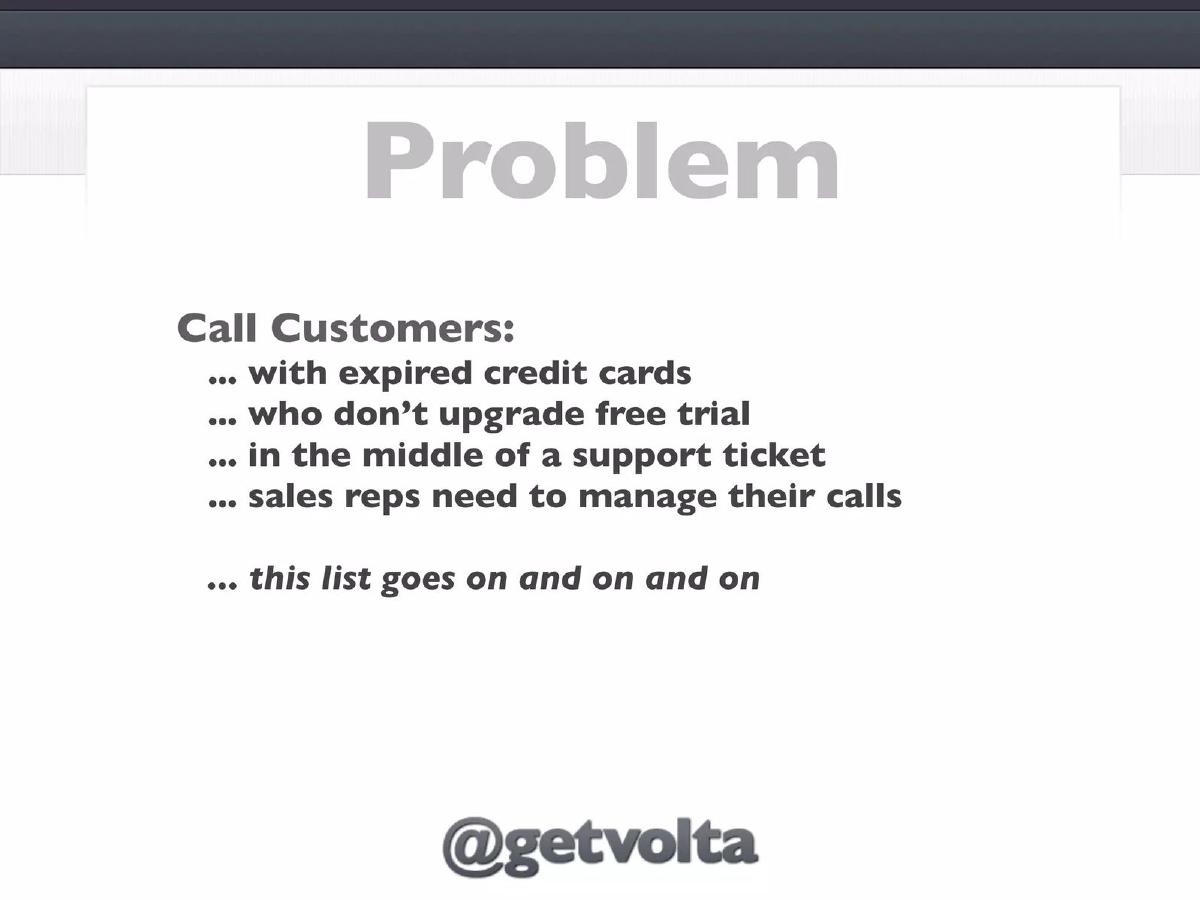
- The core problem identified is the inefficiency of manually managing calls for expired credit cards, trial upgrades, and support tickets (Slide 2).
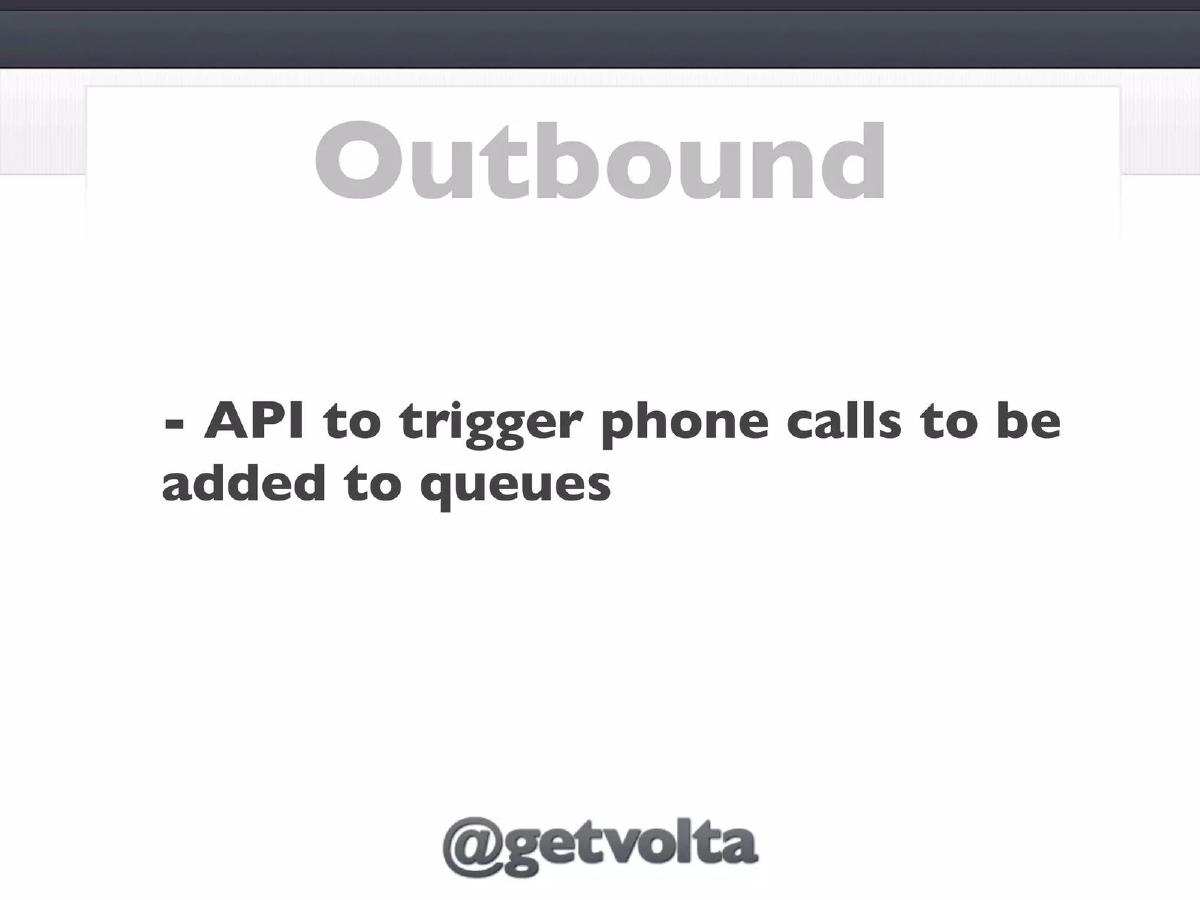
- Volta provides an API that allows companies to programmatically trigger phone calls to be added to agent queues (Slide 3).
- The mobile interface features a 'Call Queue' that categorizes tasks by department, such as Billing, Support, and Sales (Slide 4).
- The application includes post-call workflow features, such as rescheduling calls via a date/time picker (Slide 5).
- The platform is designed for cross-device compatibility, showing support for mobile, tablet, and desktop environments (Slide 6).
- Inbound call management is simplified to a single line of JavaScript to replace traditional phone numbers on websites (Slide 7).
- The revenue model is a hybrid of per-user and per-minute pricing, starting at $99/month for 5 users and 1,000 minutes (Slide 8).
- The highest tier listed is $699/month, supporting 25 users and 15,000 minutes (Slide 8).
The Pitch: Simplifying the Sales and Support Call Stack
Volta’s deck is a study in minimalism. It avoids the dense text blocks common in enterprise software pitches, opting instead for a 'show, don't tell' approach using interface mockups and brief, punchy statements. The company positions itself at the intersection of CRM and VOIP, providing the glue that connects business events (like a failed payment) to human action (a phone call).
Slide 1: Title and Tagline
The deck opens with a high-contrast title slide. The logo 'VOLTA' is centered over the tagline 'CALL YOUR CUSTOMERS, MAKE MORE MONEY.' This immediately frames the product as a revenue-generating tool rather than a cost-center utility. It includes social handles and an AngelList link, signaling an early-stage startup seeking visibility in the tech ecosystem.
Slide 2: The Problem of Unmanaged Outreach
Slide 2 lists specific triggers for customer calls: expired credit cards, free trial expirations, and support tickets. By listing these 'boring' but essential tasks, Volta identifies a clear operational gap. The phrase 'this list goes on and on and on' suggests that any event-driven customer interaction is a candidate for their platform. The focus here is on the mental overhead sales reps face when managing these lists manually.
Slide 3: Outbound API
The solution begins with an 'Outbound' header. Slide 3 is purely technical, stating: 'API to trigger phone calls to be added to queues.' This indicates that Volta is developer-friendly. It implies that a company’s backend (e.g., a billing system) can automatically push a task to a human agent’s phone the moment a payment fails, removing the need for manual reports or CSV exports.
Slide 4: The Call Queue Interface
Slide 4 provides the first look at the product. It shows an iPhone running a 'Call Queue' app. Each entry includes a customer name (e.g., Rudy Koppel, Hertha Youtsey) and a color-coded tag indicating the department: Billing (blue), Support (orange), or Sales (green). The text 'Make these calls today...' emphasizes the actionable nature of the app. It transforms a database of tasks into a simple, swipeable list for the employee.
Slide 5: Post-Call Workflow
Handling the call is only half the battle; the other half is data entry. Slide 5 shows a 'Call Complete' screen. It features a date/time scroller for rescheduling, and buttons for 'Converted' or 'Do Not Call.' This suggests that Volta acts as a lightweight CRM, capturing the outcome of the interaction immediately after the call ends, which improves data integrity for the business.
Slide 6: Device Ubiquity
The 'From Anywhere' slide (Slide 6) is a visual representation of the platform's flexibility. By showing the app across a smartphone, a generic Android-style device, and two desktop towers (including a Mac Pro and a PC), Volta communicates that their software is not tied to a specific desk phone or office environment. This is a key selling point for remote or distributed sales teams.
Slide 7: Inbound Integration
Shifting from outbound to inbound, Slide 7 makes a bold claim: 'Replace phone number with one line of javascript.' This is a classic 'low-code' value proposition. It suggests that Volta can intercept web traffic and facilitate calls without the company needing to set up a complex PBX system or manage hardware.
Slide 8: The Revenue Model
Slide 8 outlines the pricing. It is a clear, three-tier structure. $99/Month for 5 users and 1,000 minutes; $249/Month for 10 users and 5,000 minutes; and $699/Month for 25 users and 15,000 minutes. The pricing is aggressive and targets small-to-medium businesses (SMBs) or specific departments within larger firms. The 'Per Minute + Per User' model ensures that as the customer scales their volume, Volta’s revenue scales alongside them.
Slide 9: Contact and Call to Action
The final slide repeats the 'Call Queue' mockup and provides a direct email for 'patrick@getvolta.com.' This personal touch is common in seed-stage decks where the founder is still the primary point of contact for all sales and investment inquiries.
What Works in the Volta Deck
Clarity of Purpose: Within the first four slides, the reader knows exactly what the product does, who it is for, and how it is triggered. By focusing on the 'Call Queue,' Volta avoids the trap of trying to explain the entire VOIP backend and instead focuses on the user experience of the agent.
Specific Use Cases: Instead of saying 'we help you talk to customers,' Slide 2 lists 'expired credit cards' and 'free trial' upgrades. These are high-value, high-intent moments that every SaaS founder understands. This specificity makes the 'Make More Money' claim on Slide 1 feel credible.
Developer Appeal: Mentioning an API and a single line of JavaScript appeals to the technical gatekeepers who often have to implement these tools. It promises a 'set it and forget it' integration path.
What is Missing from the Volta Deck
The Team: There is no team slide in the provided sequence. Investors back people as much as products, especially at the early stage. Without knowing who 'Patrick' is or his experience in telephony/SaaS, the deck relies entirely on the product's utility.
Market Size and Competition: The deck does not address the competitive landscape. In a world with Twilio, Zendesk, and various 'Power Dialers,' Volta needs to explain why its queue-based approach is superior. Furthermore, there is no data on the TAM (Total Addressable Market) to show that this is a venture-scale opportunity.
Traction: There are no mentions of current customers, pilot programs, or growth metrics. Even for a pre-revenue company, showing 'letters of intent' or user feedback would strengthen the case.
Founder Takeaways: What to Copy
The 'Problem' Slide Format: Use a bulleted list of specific, painful business events rather than abstract concepts. If you can name the exact moment your customer feels frustrated (e.g., 'expired credit cards'), you win their attention immediately.
Transparent Pricing: Including a revenue model slide (Slide 8) shows that you have thought through the unit economics and the 'who' of your customer base. It prevents wasted time with investors who only look for enterprise-level deals or consumer-only plays.
Visual Simplicity: Volta uses large fonts and plenty of white space. This makes the deck easy to skim on a mobile device—which is where many investors will likely see it for the first time.
Frequently asked questions
- What specific business problems does Volta solve?
- According to Slide 2, Volta targets businesses struggling to manage high volumes of specific customer interactions. These include following up on expired credit cards, nudging free trial users to upgrade, and managing active support tickets. It aims to solve the organizational chaos sales reps face when trying to track who to call and when.
- How does the technology integrate with existing websites?
- For inbound calls, Volta claims a very low barrier to entry. Slide 7 states that businesses can replace their standard phone number with 'one line of javascript.' This suggests a dynamic call routing or web-calling interface that can be embedded directly into a company's existing web infrastructure.
- What is the pricing structure for the platform?
- Volta uses a tiered SaaS model based on both seat count and usage minutes. As shown on Slide 8, the 'Starter' tier is $99/month (5 users/1,000 mins), the 'Growth' tier is $249/month (10 users/5,000 mins), and the 'Pro' tier is $699/month (25 users/15,000 mins).
- Is Volta a mobile-only application?
- No. While much of the deck features iPhone mockups, Slide 6 ('From Anywhere') explicitly displays the app running on various devices, including a smartphone, a tablet, and two different desktop computer towers. This indicates a cloud-based service accessible across different hardware.
- What is missing from this pitch deck?
- The provided slides omit several standard venture capital requirements. There is no mention of the total addressable market (TAM), no competitive analysis against incumbents like Zendesk or Twilio, and no slide detailing the founders' backgrounds or previous successes. It also lacks a specific 'Ask' regarding the amount of capital being raised.